

Handle an order
See new orders, move each one from received to completed, record cash payments and cancel unpaid orders.
See your orders
In Store, tap Customer orders. Every order from your shop and QR menu is here, newest first.
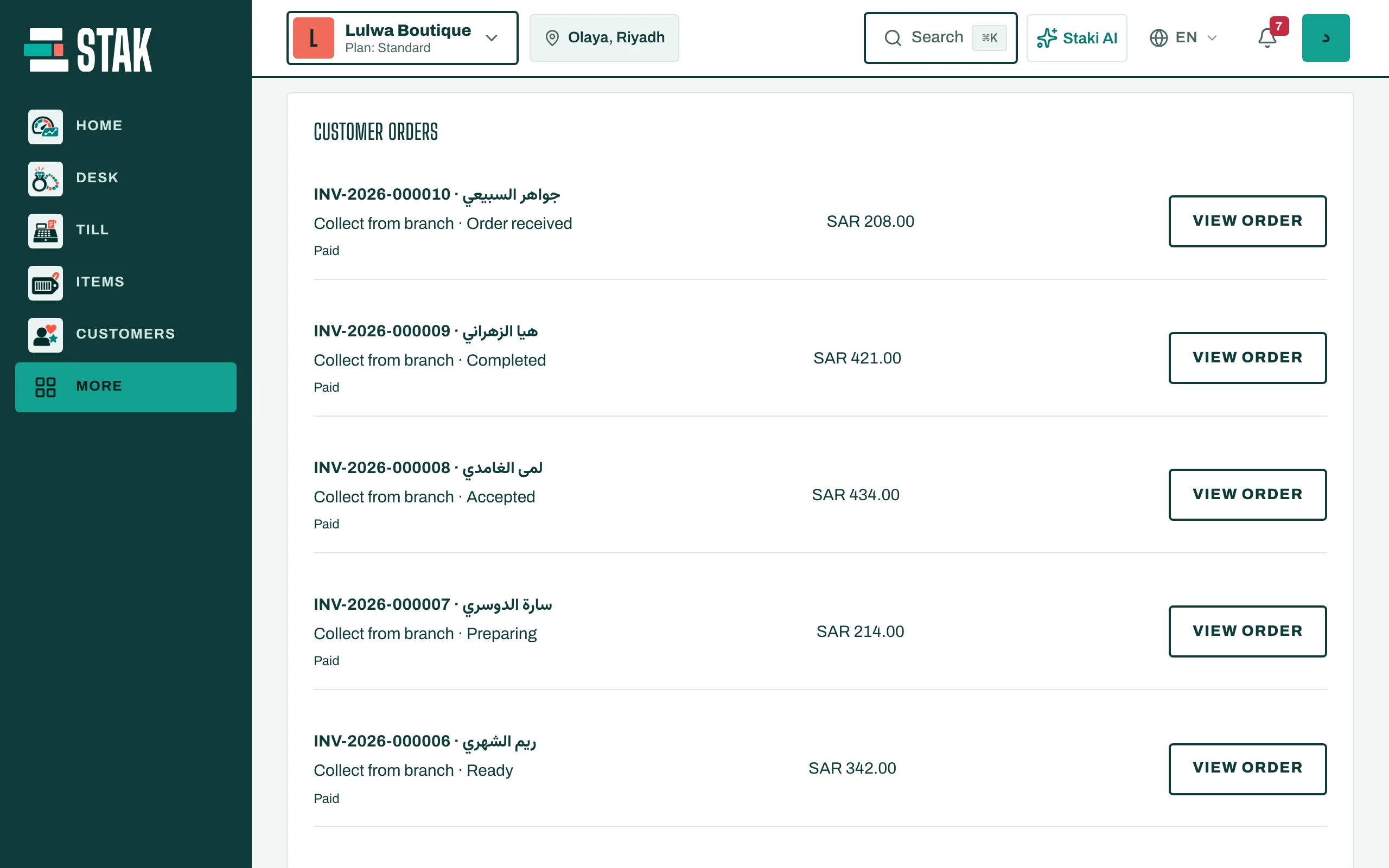
Move an order along
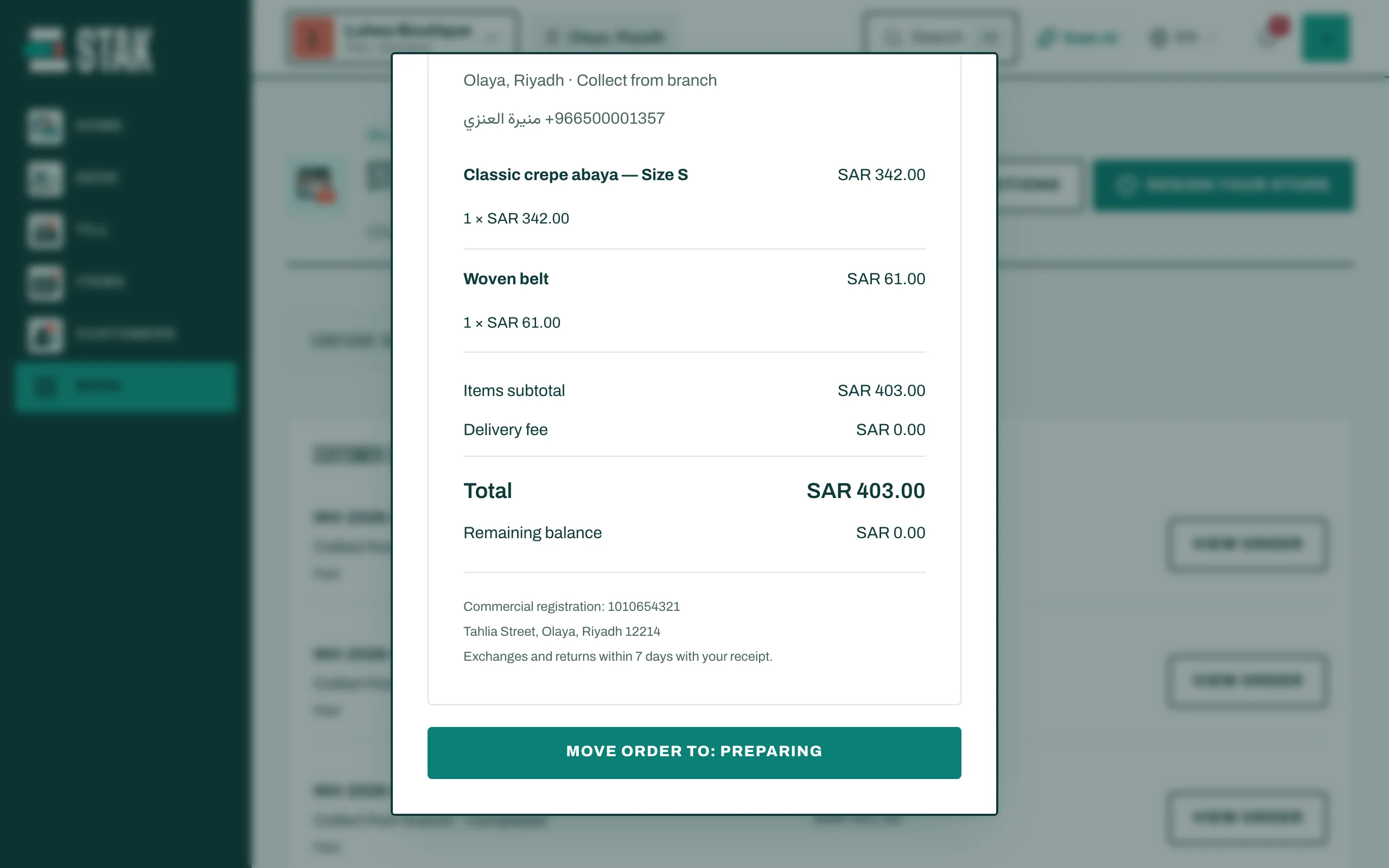
- Tap View order.
- Tap the button Move order to: … each time the order moves on. The steps are: Order received → Accepted → Preparing → Ready → Out for delivery (delivery orders only) → Completed.
- The customer follows the same steps on their order page.
Record a cash or WhatsApp payment
For an order marked Awaiting payment that the customer paid in cash, on delivery or by an arrangement on WhatsApp:
- Open the order and tap Record collection.
- Check the amount and tap Confirm collection.
Record only money you have received and checked. Placing an order doesn't record a payment.
Cancel an unpaid order
- Open the order and tap Cancel unpaid order.
- Give a Reason for cancellation and confirm.
This releases the stock the order reserved and reverses its invoice. If the order already has a payment, settle or refund the payment first.