

Publish and share your store
Put the shop online, pause it when you need to, and share its link and QR menu.
Publish
- In Store, check that the shop has a name, an address and at least one product under Published products.
- Tap Publish shop. You see Shop is published.
If STAK asks for your seller details first, fill in Seller & invoice details. They print on every order's invoice.
Pause the shop
Tap Unpublish. The page shows Shop is unpublished, and customers can't order until you publish again. Your products and settings stay as they are.
Share it
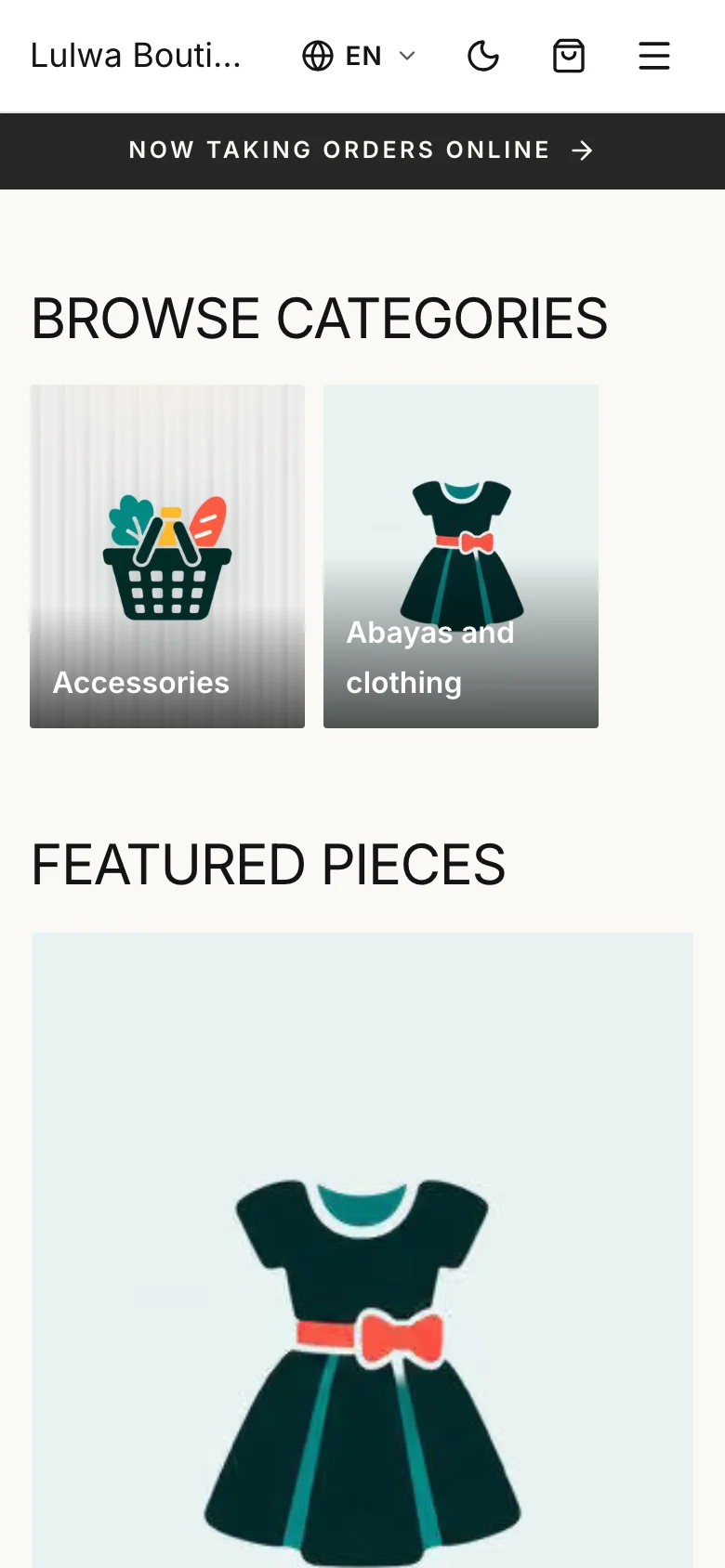
- Open shop opens your shop's page. Copy its address from the browser and share it on WhatsApp, Instagram or your website.
- Open QR menu opens a menu made for scanning at the table or the counter. Print its QR code and put it where customers wait.
Search and link previews
In Photos and delivery zones, the Search and sharing section sets the title and description shown in search results and when someone shares your link. Leave them empty to use the shop name.