

AI for your business.
AI tools that answer your customers and prepare your documents with your own prices and products. Your information stays yours, and we never train a model on it.
One main app is free forever. AI uses prepaid credits; Receptionist is a separate paid add-on. Pricing

Everyday work. Done by AI.
Draft an invoice, change a price or book a customer — within the permissions and limits you set.
Each action has its own setting. Anything beyond your limits asks for approval. AI uses prepaid credits.
The tools
STAK Receptionist
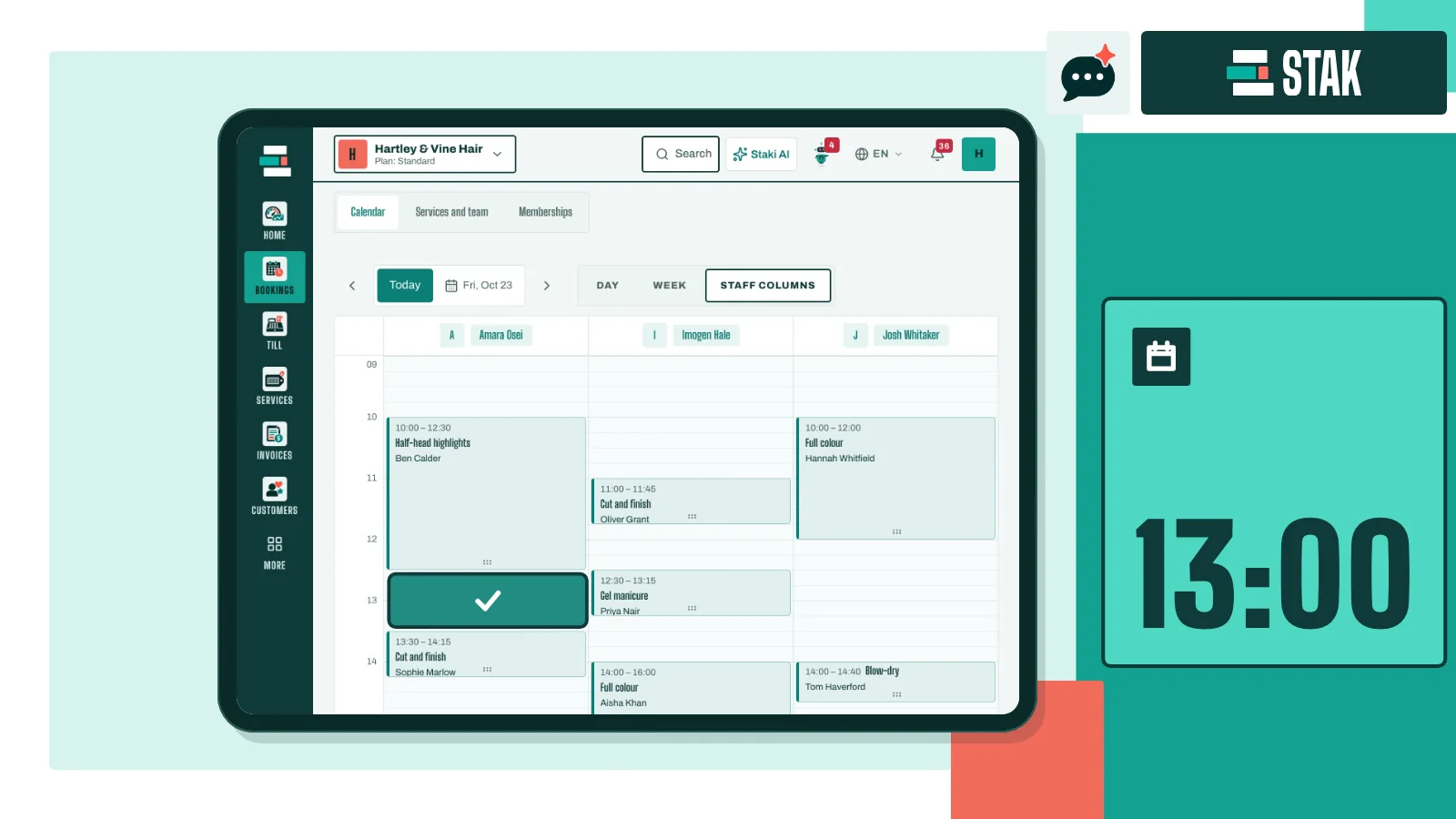
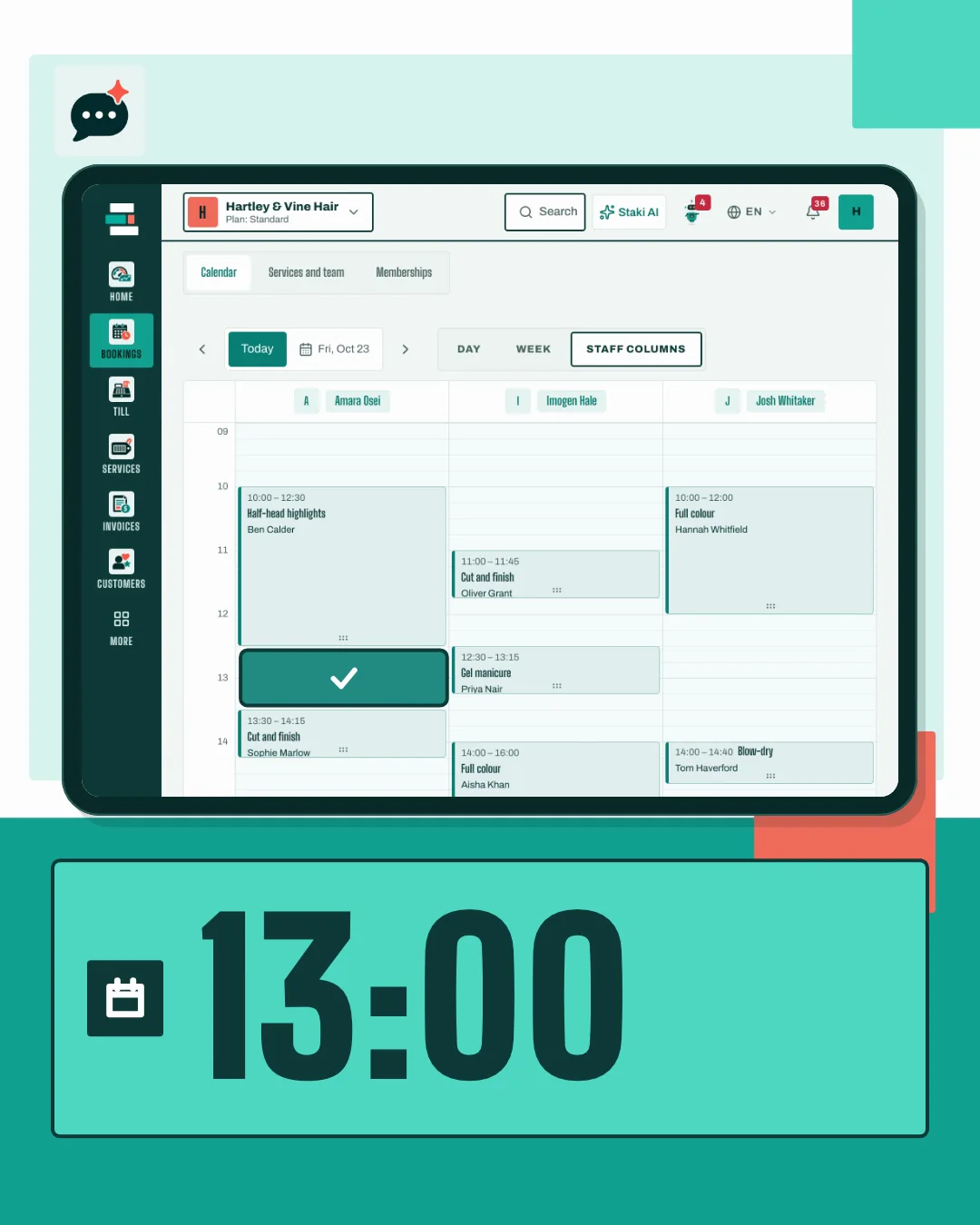
A customer writes at 22:40 asking for an appointment. The AI offers a free slot and a booking link, and your calendar fills in.
A six-turn chat is about 18 credits.
Smart read
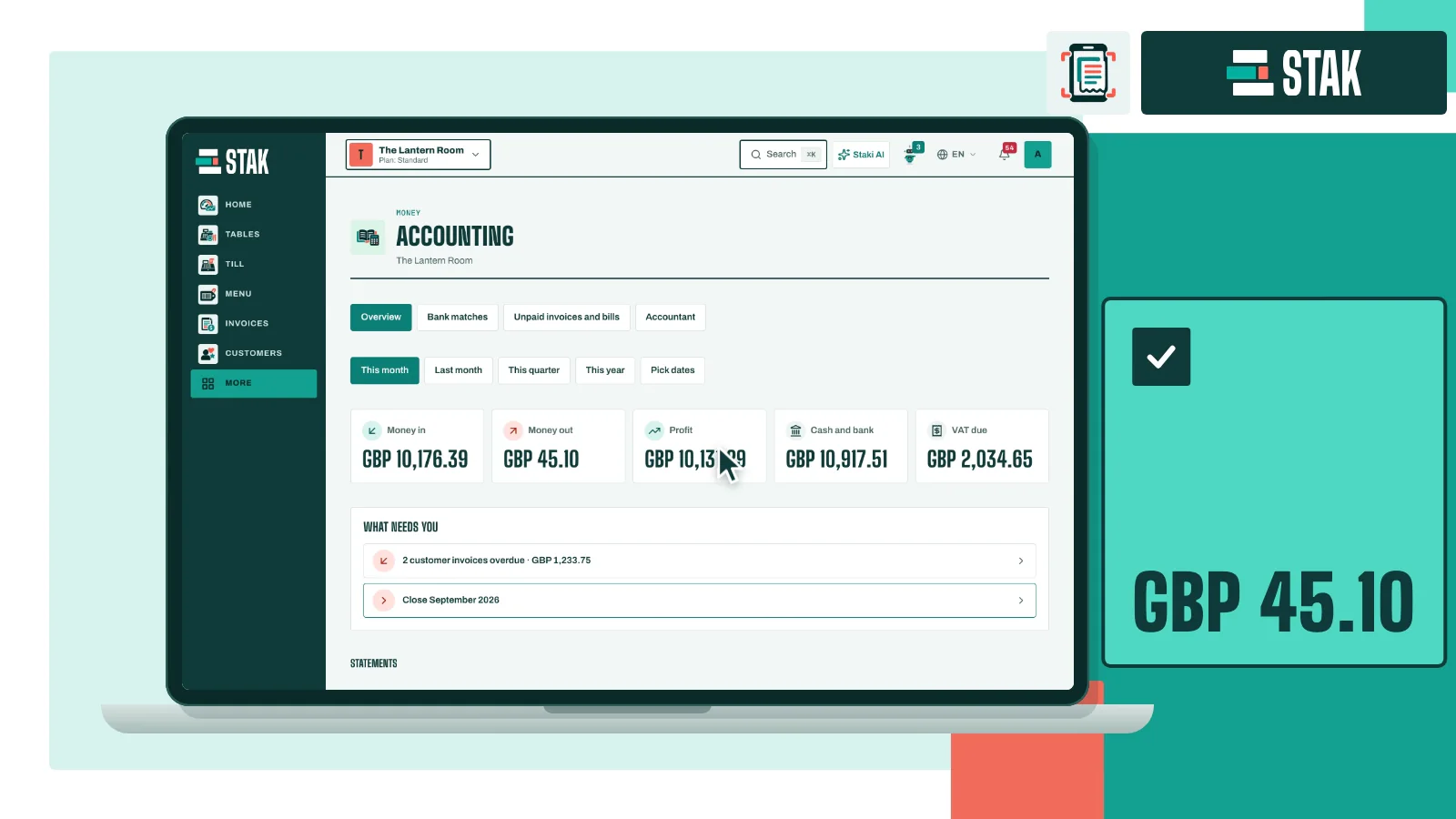
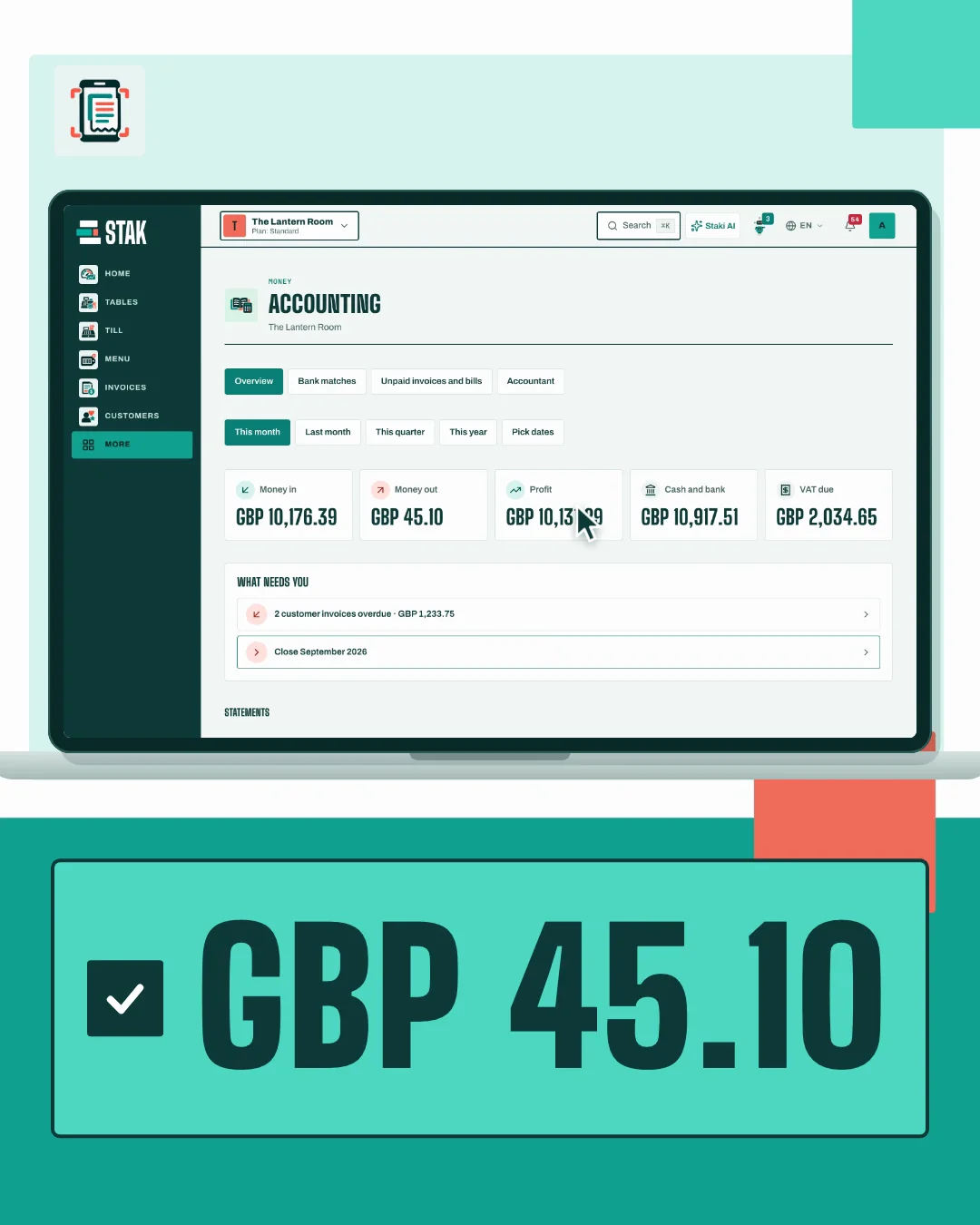
Photograph a receipt. STAK reads the supplier, the date and the total, and the expense lands in your books for you to confirm.
Reading a supplier bill is about 18 credits. The on-device receipt read costs nothing.
STAK Studio
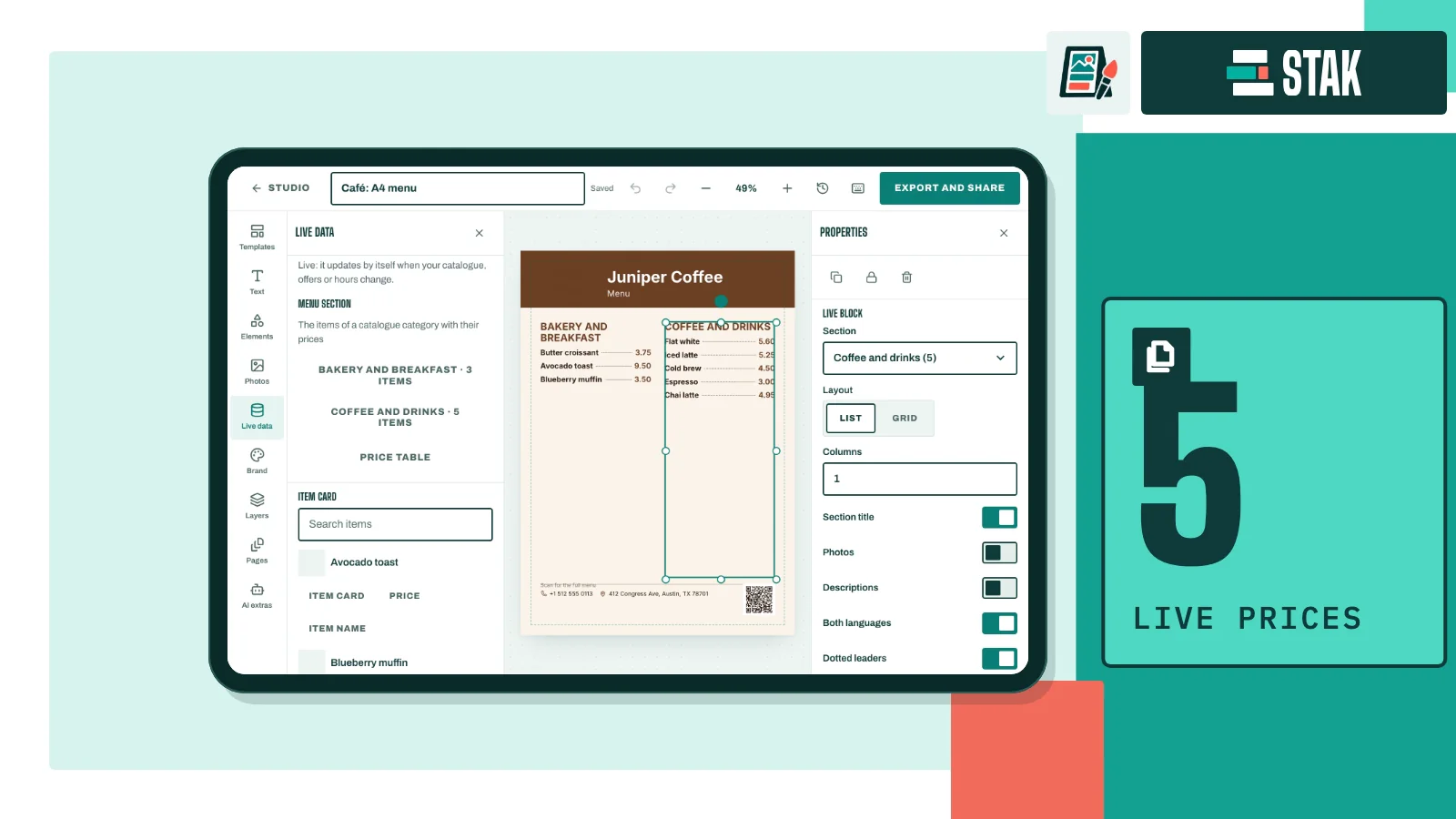
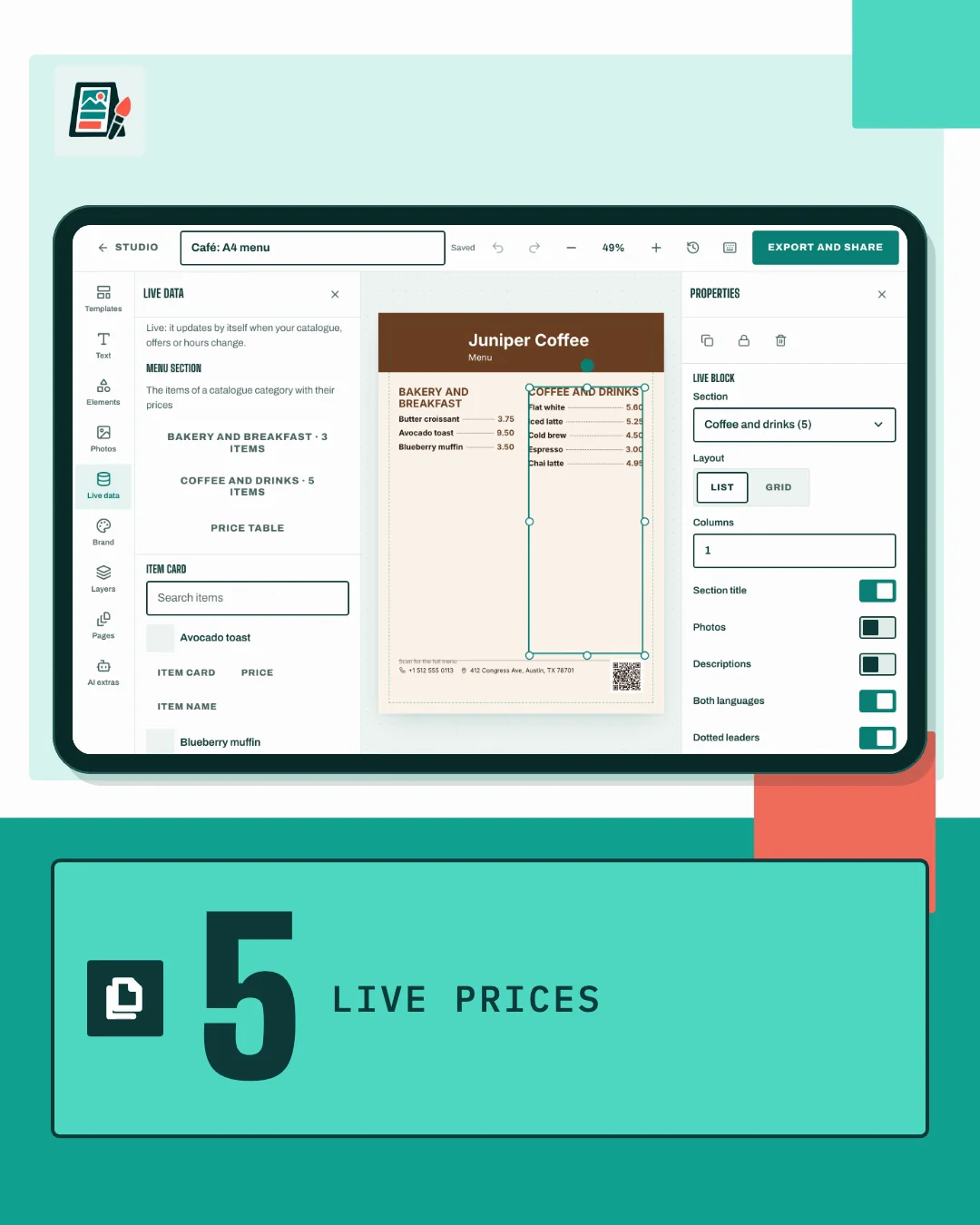
Add a photo of your product and say what it is for. STAK’s AI makes three ad looks with words in your language; approve the words and turn one into a short video.
AI steps use prepaid credits, shown before you use them. Price lists, menus, flyers and decks use no credits.
AI inside the work you already do.
These AI tools work inside STAK on prepaid credits. Autopilot follows your chosen permissions, approval modes and limits; other workflows keep their stated review steps.
Read
- Expenses
Photograph a receipt and STAK fills in the expense for you to confirm.
- Books: supplier bills
Supplier bills, delivery notes and handwritten bills become draft entries. A person approves before anything posts.
Standard or Custom - ID reader
Reads IDs and licences from Kuwait, Saudi Arabia, the UAE, Qatar, Bahrain and Oman, and passports, for you to confirm.
Any paid plan - Stock and Store: new products
A product photo, a barcode or an invoice line becomes a product draft.
Any paid plan - Vault
A licence, permit or staff paper becomes a record with its number, holder and expiry date.
- Garage and Field Service
Reads a number plate, a VIN plate, an odometer or an equipment plate from one photo.
Answer
- Receptionist
Answers your customers in your store chat and on your own WhatsApp Business account, sticking to your own prices and facts. It hands over to your team when it is unsure.
- Receptionist: try it first
Type what a customer would type and see the reply before you switch it on. Nothing is sent to anyone.
- Customers: inbox helper
Suggests a reply from your own information and translates messages between 8 languages in one tap.
- Customers and Helpdesk
Labels every message by urgency and queue. An AI summary and a draft reply come with Standard or Custom.
Standard or Custom - Team chat and Staff Handbook
Each message and each handbook article shows in the reader’s own language.
Draft
- Every text box
Translate, summarise, rewrite, shorten or proofread any text in the back office.
- Store builder
Writes the words of a store section from a short brief.
- Store and menu translations
Suggests translations of your store, menu and product texts. Only the text you approve shows to customers.
- Creative Studio
Three captions with hashtags, three rewrites of a design’s words, or a translated copy of a design.
- Social posts
A week of posts from your sales and brand, with improved captions for you to approve.
Any paid plan - Books: month-end
A plain-words note for the month-end close, kept only if every number in it is from your books.
- Clinic
A draft visit note from a typed or dictated transcript, and referral or aftercare letters from a signed visit. The clinician signs and the patient agrees first.
- Education
Draft report-card comments and parent messages in the family’s language, with the child’s consent.
Custom - Property
Listing copy from photos and facts, and damage notes from up to four inspection photos per item.
Ask and act
- Staki: Ask
Ask about your sales, customers, items, invoices, bookings and staff, and get the answer with links to the records.
Standard or Custom - Staki: Change
Tell Staki what to change, such as a price, an item to pause or a leave request. It proposes the change and nothing happens until a person approves.
Standard or Custom - Staki: agents
Seven ready-made agents, for review replies, lapsed customers, slow days, clearing stock and more, and an Agent Studio for your own. Each starts in shadow mode for 7 days and asks for approval.
Standard or Custom - Automations
Describe an automation in words, or add an Ask AI decision step to one.
- Reports, lists and pages
Build a list, a report or a store section from one sentence.
- Staki: your own documents
Agents answer from your own PDFs and pages, with the source shown.
Check
- POS: till review
Ranks the cashiers whose returns, discounts and voids stand out, for you to review.
Standard or Custom - Kitchen: menu advice
Suggests menu changes from your sales and recipe costs, and reads a photographed menu.
- Car rental and Equipment hire
Compares hand-over and return photos and suggests how serious the damage is.
- Property: maintenance
Sorts each request by trade and urgency, says who pays under the lease and suggests self-fix steps.
- Laundry
Suggests garment stains and condition from the intake photo.
Prepaid credits, no surprises
Every AI step reserves its cost from your credits before it starts. Documents that need no AI model use no credits.