

Team and payroll.
AI that reads IDs and licences.
Staff, rota, time, pay and training in one app
One main app is free foreverNo card needed

AI reads a staff ID or licence into the employee file for you to confirm, and shows team chat in each person’s language. It runs on prepaid AI credits.
- It can be your one free app, forever.
 People and papersKeep every employee's records, documents and expiry dates in one protected place.
 Hiring and referralsPost jobs, take an applicant to a signed offer, reward staff who refer good people and share branded cards.
 Joining, leaving and accessTake people on with the right papers, close their access when they go and control how staff sign in.
 Rota and leaveBuild shifts against sales and working-time rules, and approve leave knowing who covers.
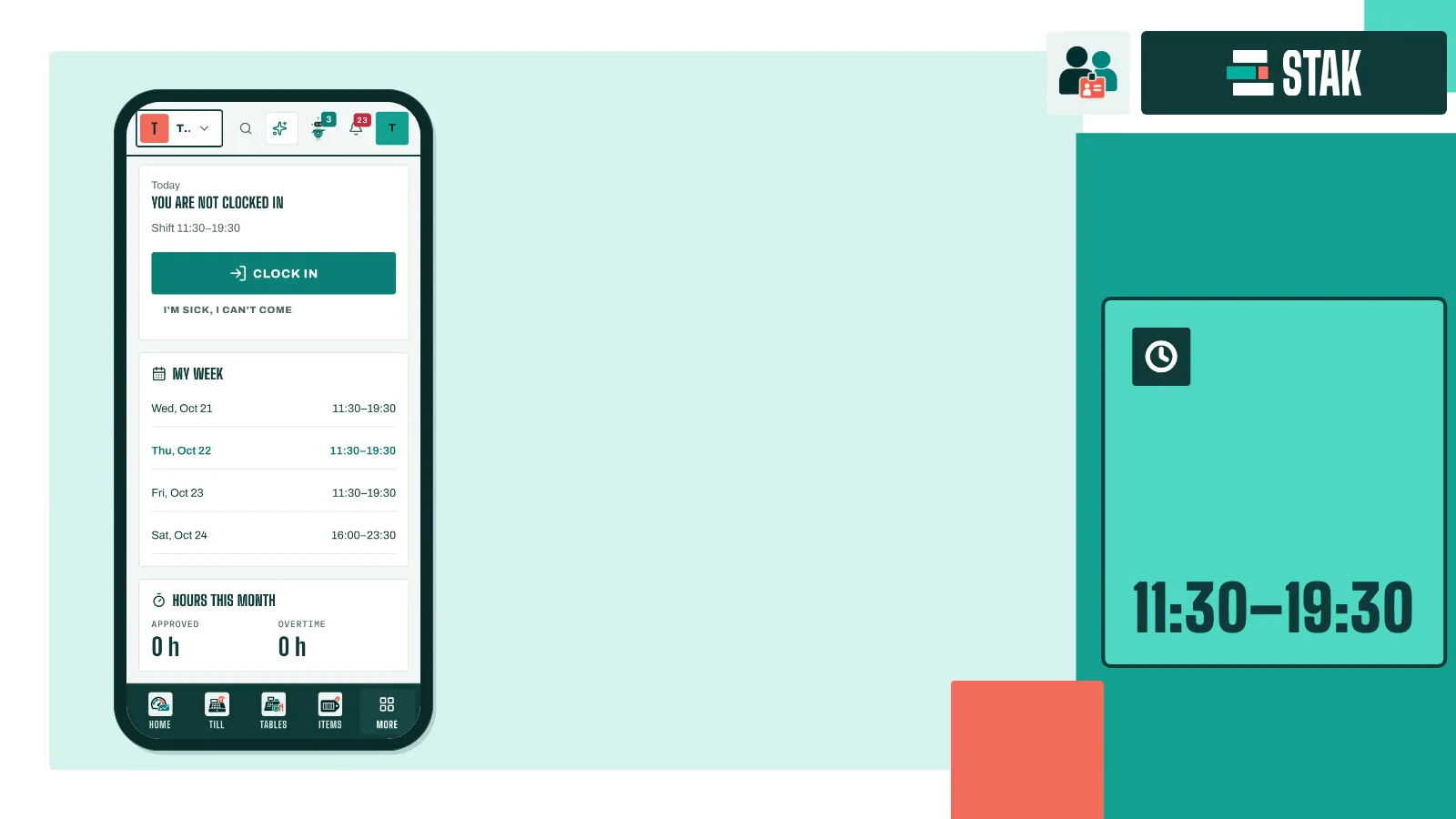
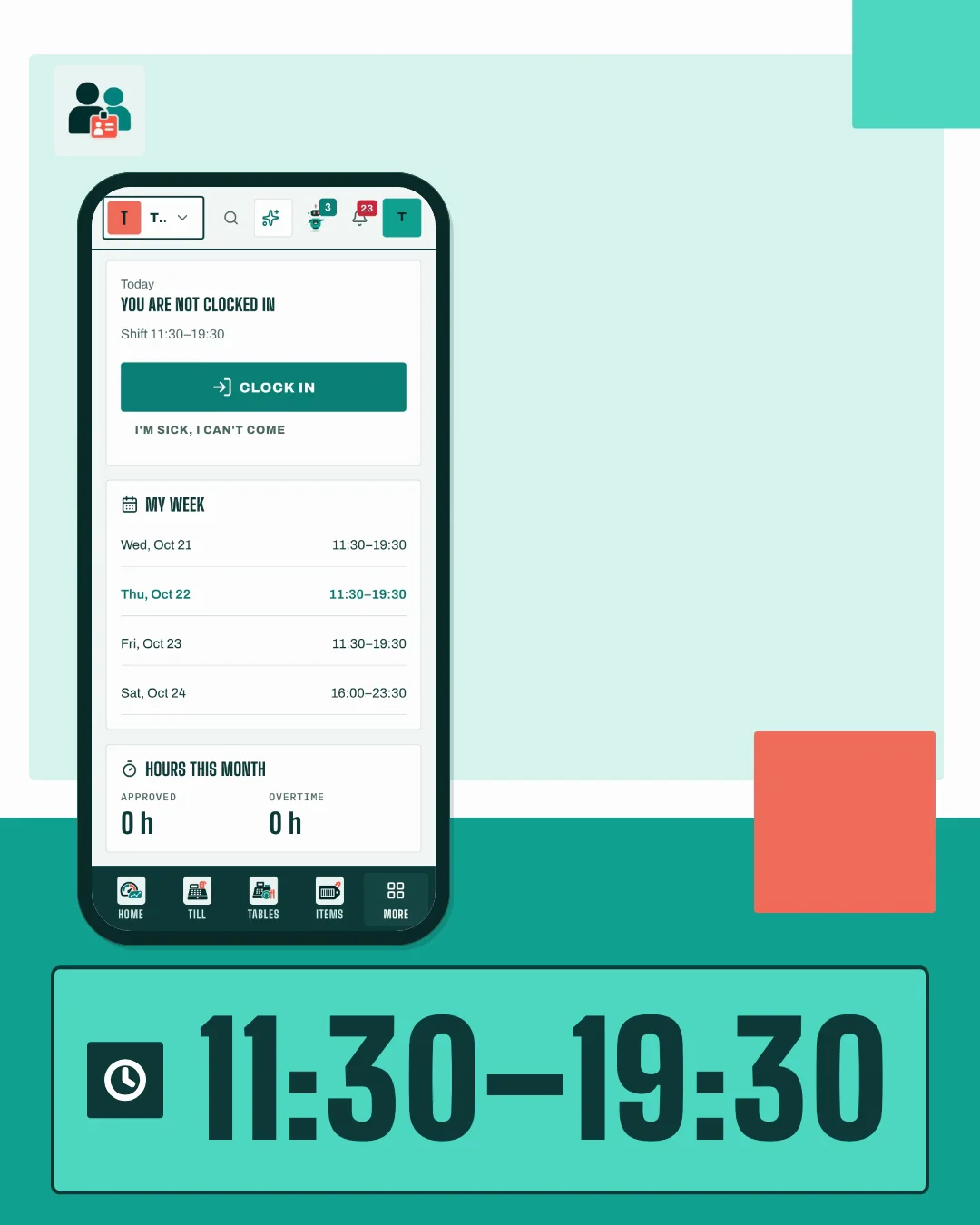
 Clock-in and timesheetsShow who worked where and when, then approve the hours before payroll.
 Payroll and payRun monthly and off-cycle pay with deductions, tips, commissions, payslips and settlements handled.

Staff, rota, time, pay and training in one app
STAK Team runs everything about your staff: records and papers, hiring, rota, clock-in, leave, payroll, appraisals, training and safety. Owners, managers and HR use it in the back office, and every employee gets a phone-first app in their own language.
Can staff clock in without internet?
Yes. Punches stay on the phone and are sent once, in order, when the network returns. Doubtful ones, such as late or outside the fence, are held for review and never lost; punches older than 14 days are refused.
Which countries does payroll cover?
Dated rule packs exist for Kuwait, Saudi Arabia, the UAE, Bahrain, Oman, Qatar, the UK, the US, Egypt, India, Pakistan, the Philippines, Germany and France, plus an international pack where your reviewer enters every figure. Each figure shows its source and who confirmed it.
Does STAK send salary files or returns to banks and authorities?
No. STAK prepares salary files, contribution schedules and portal data sheets, and nothing is sent to a bank or authority. You check each file, for example with your bank, and submit it yourself.
What happens when a staff document expires?
Reminders go out 60, 30 and 7 days before and on the day, and a renewal task opens 60 days before expiry. If you set required documents per skill or station, shifts, bookings and clinical signing are refused while one is missing or expired.