

Handle a maintenance request
Take requests from tenants or the office, decide the trade and urgency, send a technician, and charge the cost to the right person.
Tenants raise requests in the portal, with photos. You can also add one yourself.
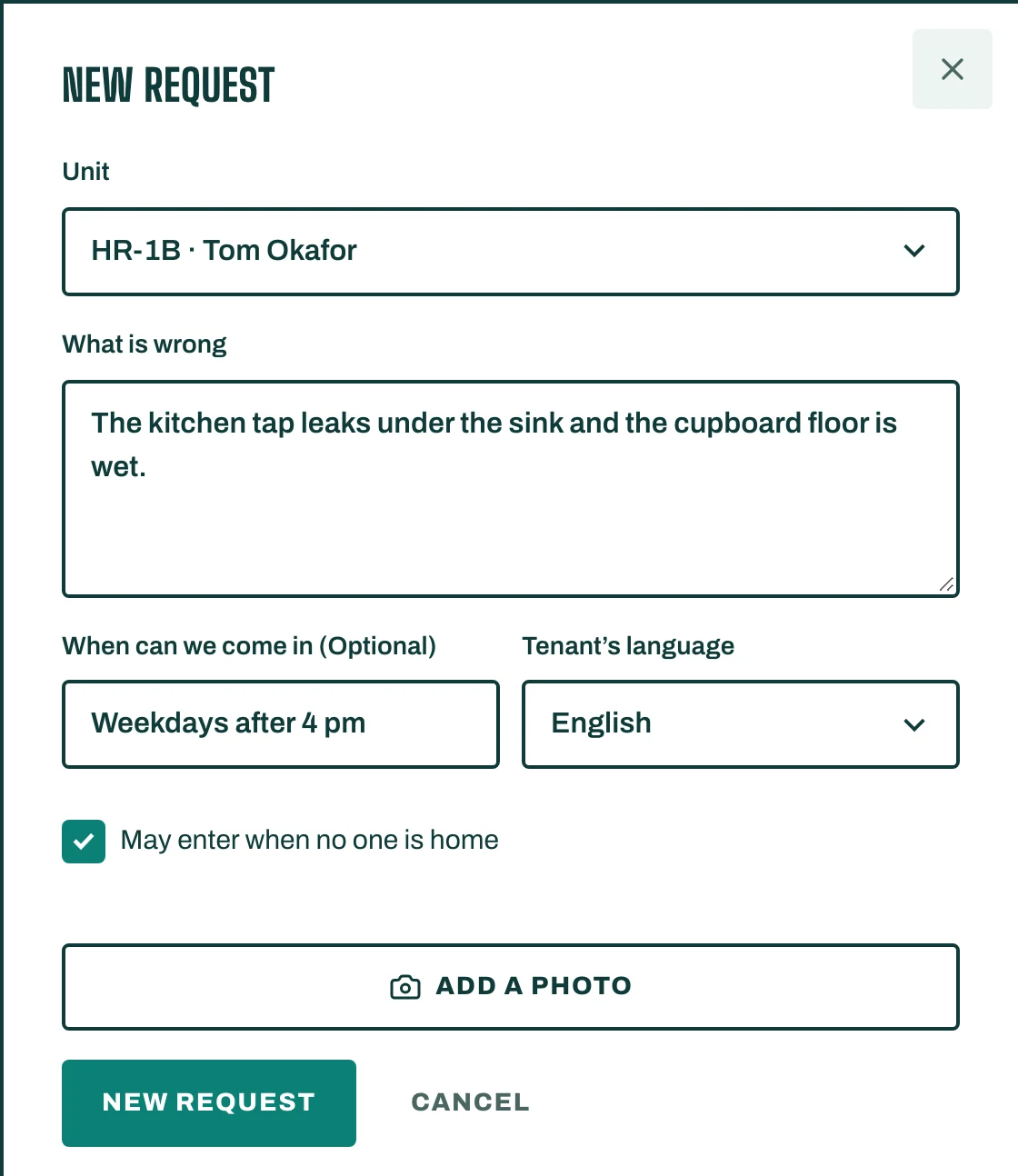
Add a request
- Open Maintenance and tap New request.
- Choose the unit and describe What is wrong.
- Add When can we come in, and tick May enter when no one is home if the tenant agrees.
- Tap Add a photo if you have one. Save.
Decide what it needs
- Open the request and tap Suggest by rules. STAK proposes the Trade (Air conditioning, Plumbing, Electrical and others) and the Urgency (Emergency, Urgent or Routine), with Questions to ask and Steps the tenant can try. If AI suggestions are switched on for your business, Suggest with AI does the same with prepaid AI credits.
- Check the suggestion, set Who pays (Landlord or Tenant) and the Estimate, then tap Confirm.
When the unit belongs to an owner and the estimate is above their limit, the request waits for Owner approval.
Send someone
- Tap Assign. Enter the Technician or company, Their mobile and the Visit time.
- When the work is done, tap Mark done. Enter Done on, the Cost, who it is Charge to, and where it was Paid from.
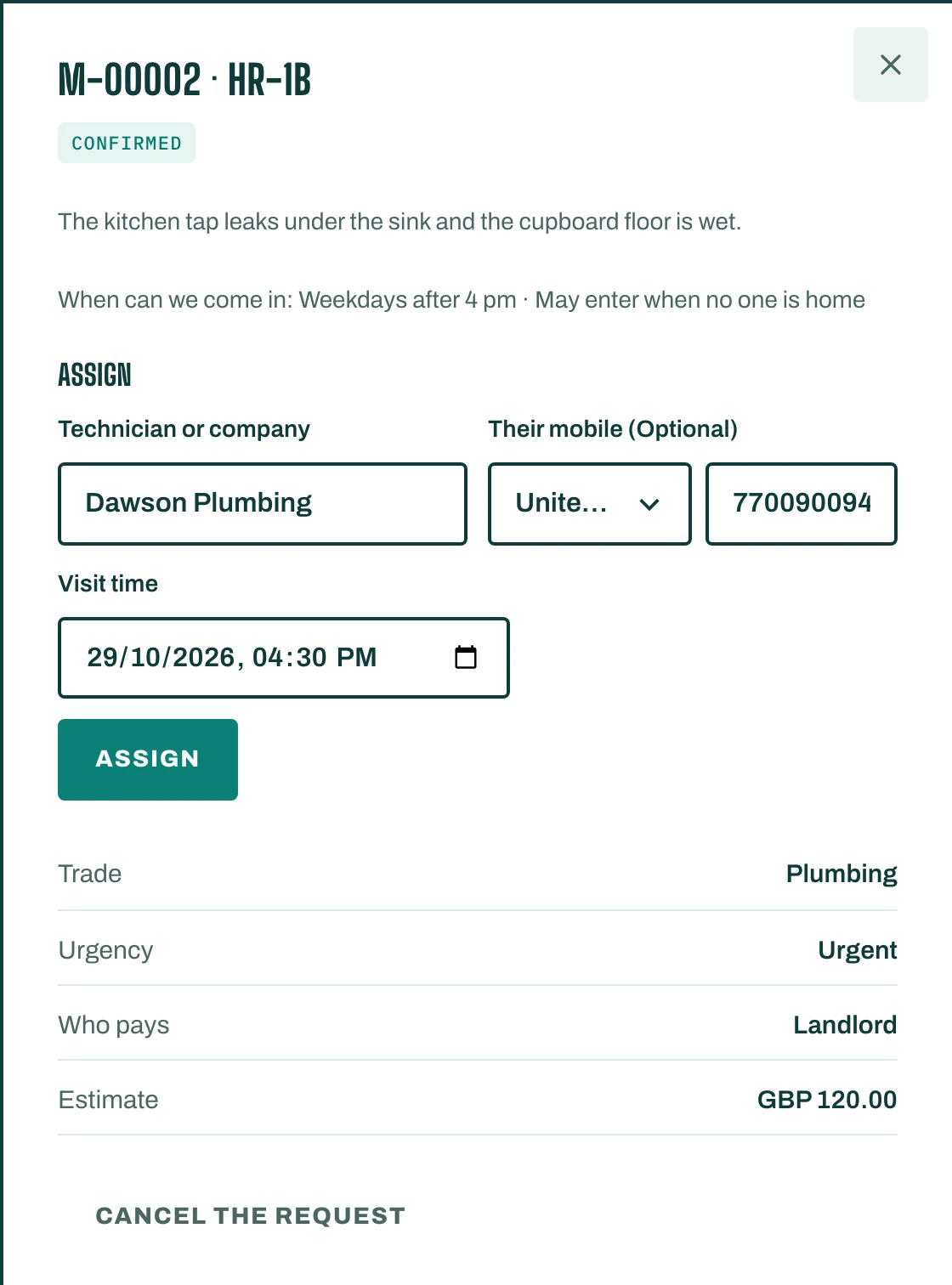
A request moves through New, Suggested, Confirmed, Assigned and Done. To drop it, tap Cancel the request and give a Reason.