Collect rent
Rent is invoiced on schedule. Record payments, add charges, send reminders and follow up overdue rent step by step.
Once a lease is signed, STAK invoices each rent on its due date and tells the tenant. Tenants with a Payment link pay online in the portal.
Record a payment at the office
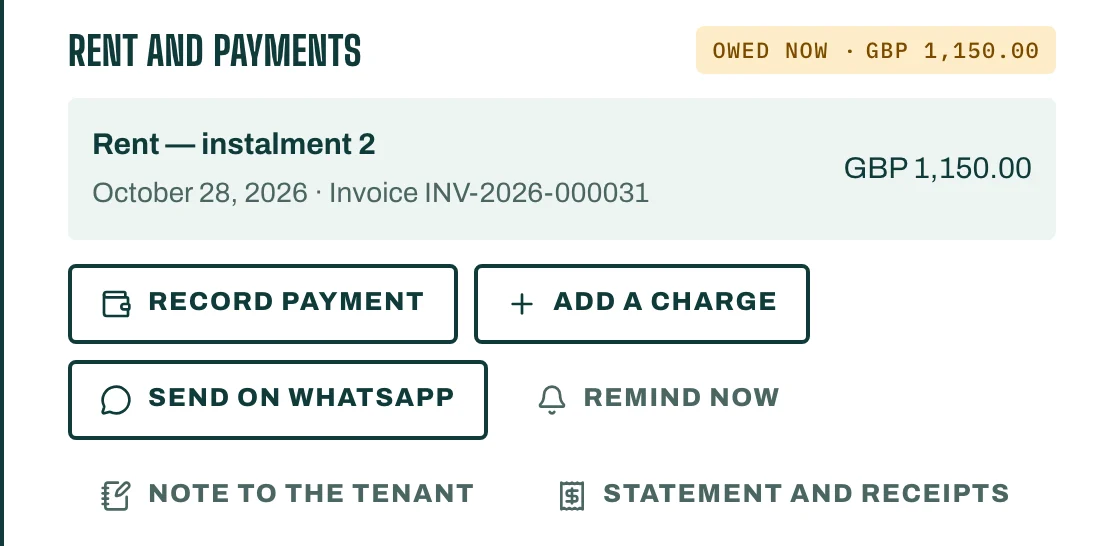
- Open the lease. Under Rent and payments, you see what is Owed now.
- Tap Record payment. Enter the Amount received, or tap Pay all.
- Choose the Method and add the bank or machine reference when asked.
- Save. You see Payment saved. with the receipts issued. Part payments are fine: the oldest amount is paid first.
Add a one-off charge
Tap Add a charge for water, electricity, a repair or a late fee. Choose What it is for and the Due on date. It is invoiced to the tenant and paid like rent.
Statement and receipts
Statement and receipts shows every rent, charge and payment, with the balance after each. Tap Receipt PDF to download a receipt in Arabic or English.
Remind the tenant
Under Reminders:
- Remind now sends a reminder in the tenant's app and by email, free.
- Send on WhatsApp opens WhatsApp on your phone with the message ready. Press send.
- Note to the tenant shows a note in the tenant's app, free.
In Settings, set Remind tenants this many days before rent is due (0 = no reminder).
Overdue rent
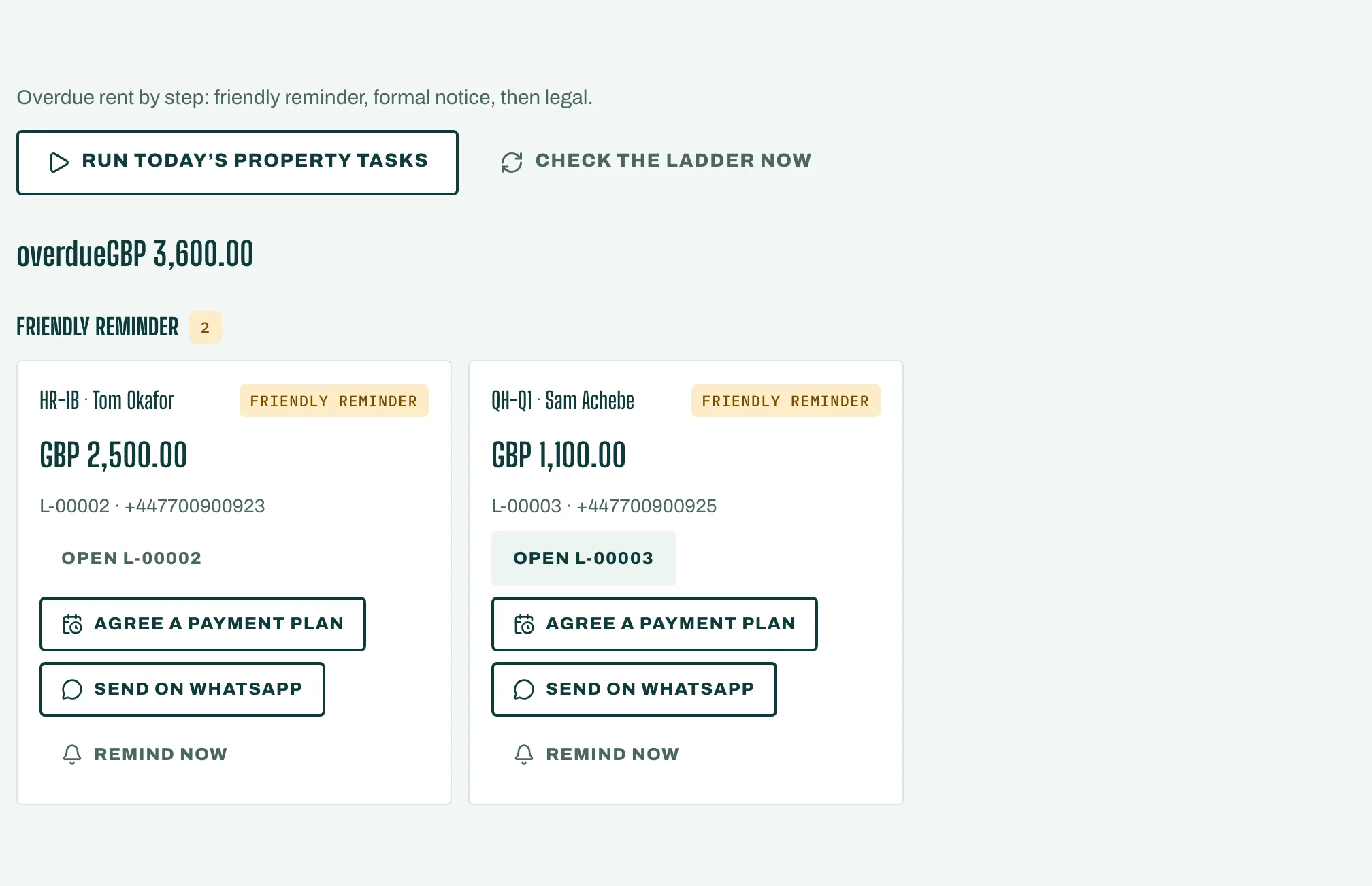
Collections lists overdue leases by step: Friendly reminder, Formal notice, then Legal. STAK moves each lease up the steps after the days you set in Settings (Friendly reminder after, Formal notice after, Legal after).
If you agree on a payment plan with the tenant, tap Agree a payment plan and set Paused until. Reminders and notices stop until that date. The rent stays due.