

Get started with STAK Clinic
Set up your doctors and services, open patient files, and run the day from the clinic desk.
STAK Clinic brings together appointments, patient files, the clinic desk and billing. Patient files are encrypted and only clinicians can open them. Every opening is recorded.
1. Set up the calendar
Add your doctors and your services in Bookings, the same way as any business (see Get started with Bookings). Each doctor needs a valid practising licence on their staff profile: add the Licence number and Licence expiry under Services and team.
2. Open a patient file
- In Bookings, tap Patient records. You see Patients.
- Tap Create patient file, choose the Customer it belongs to, and fill in what you know: Date of birth, Preferred language, Insurance company, Policy number and Expires on.
- Add Allergens (one per line), Chronic conditions and Current medications.
- Tap Save.
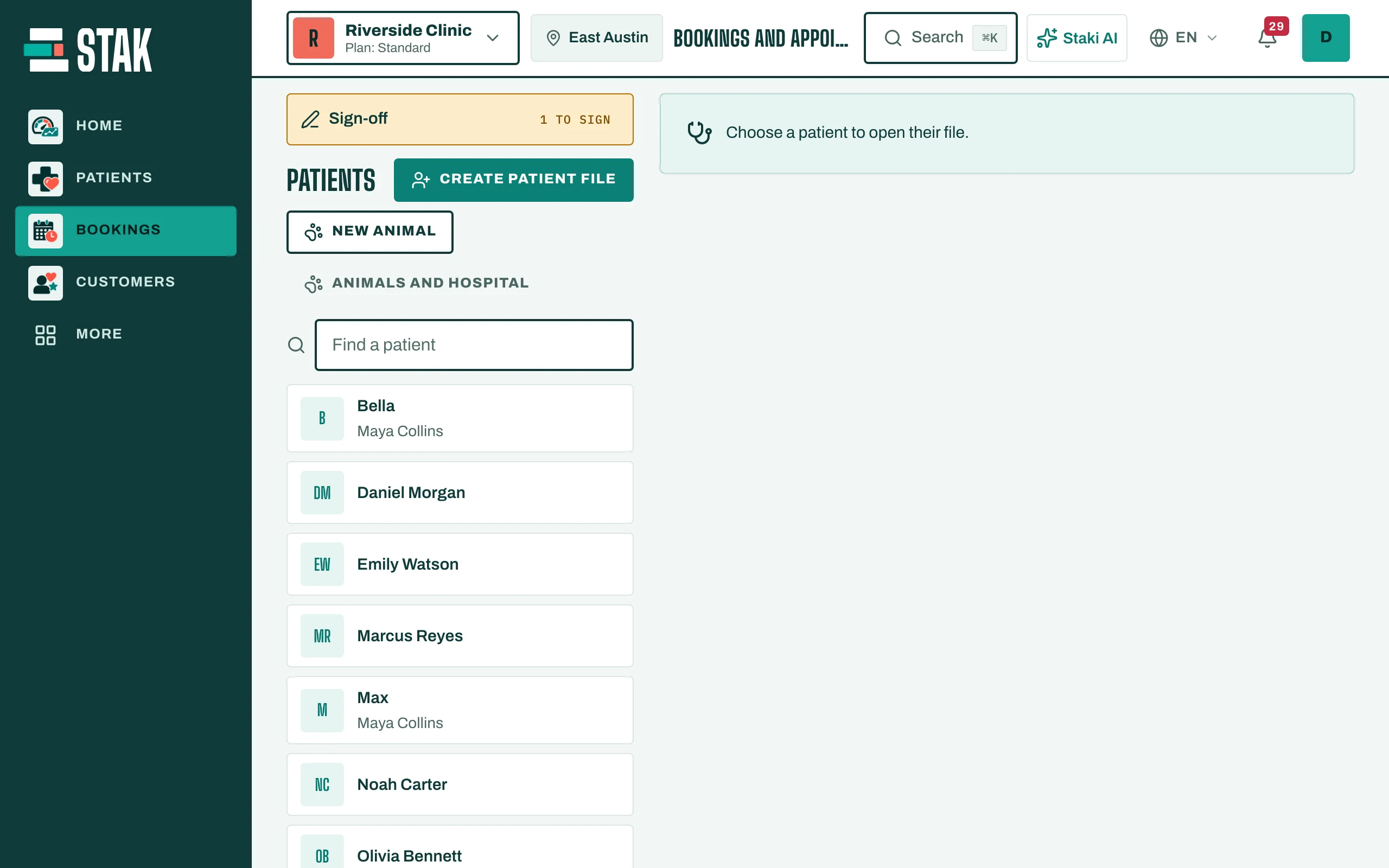
To open a file later, type in Find a patient and tap Open file.
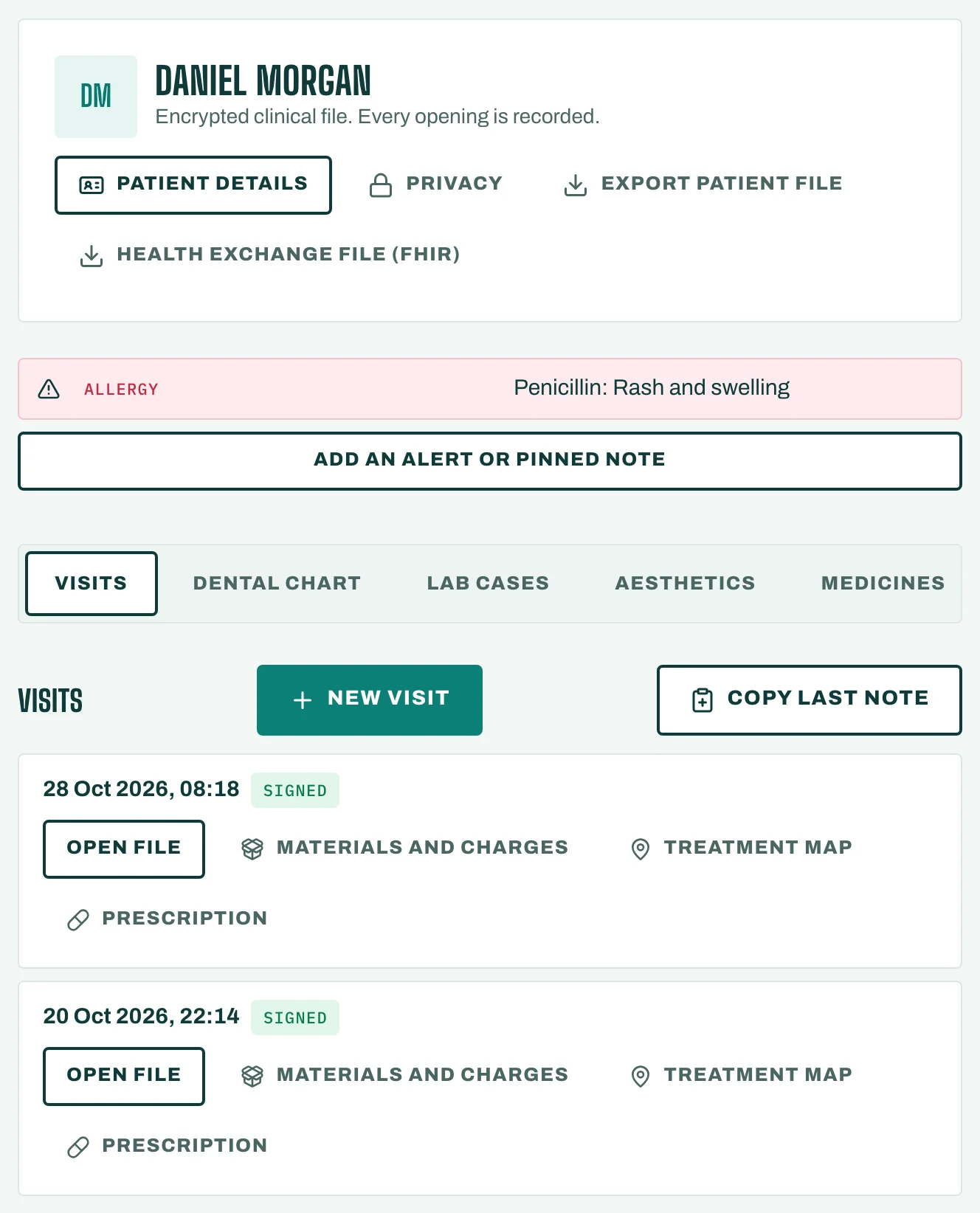
The file has tabs: Visits, Consents, Pre-visit form, Treatment plans, Certificates, Letters and more, depending on your specialty.
3. Pin what everyone must see
Under Medical alerts, tap Add an alert or pinned note. Choose Medical alert or Pinned note and the Level (Critical, Warning or Information). It shows at the top of the file for everyone who opens it, until someone taps Take down.