

Bill the visit
The doctor adds the visit's charges; the desk bills the patient or creates an insurance claim.
The doctor adds the charges
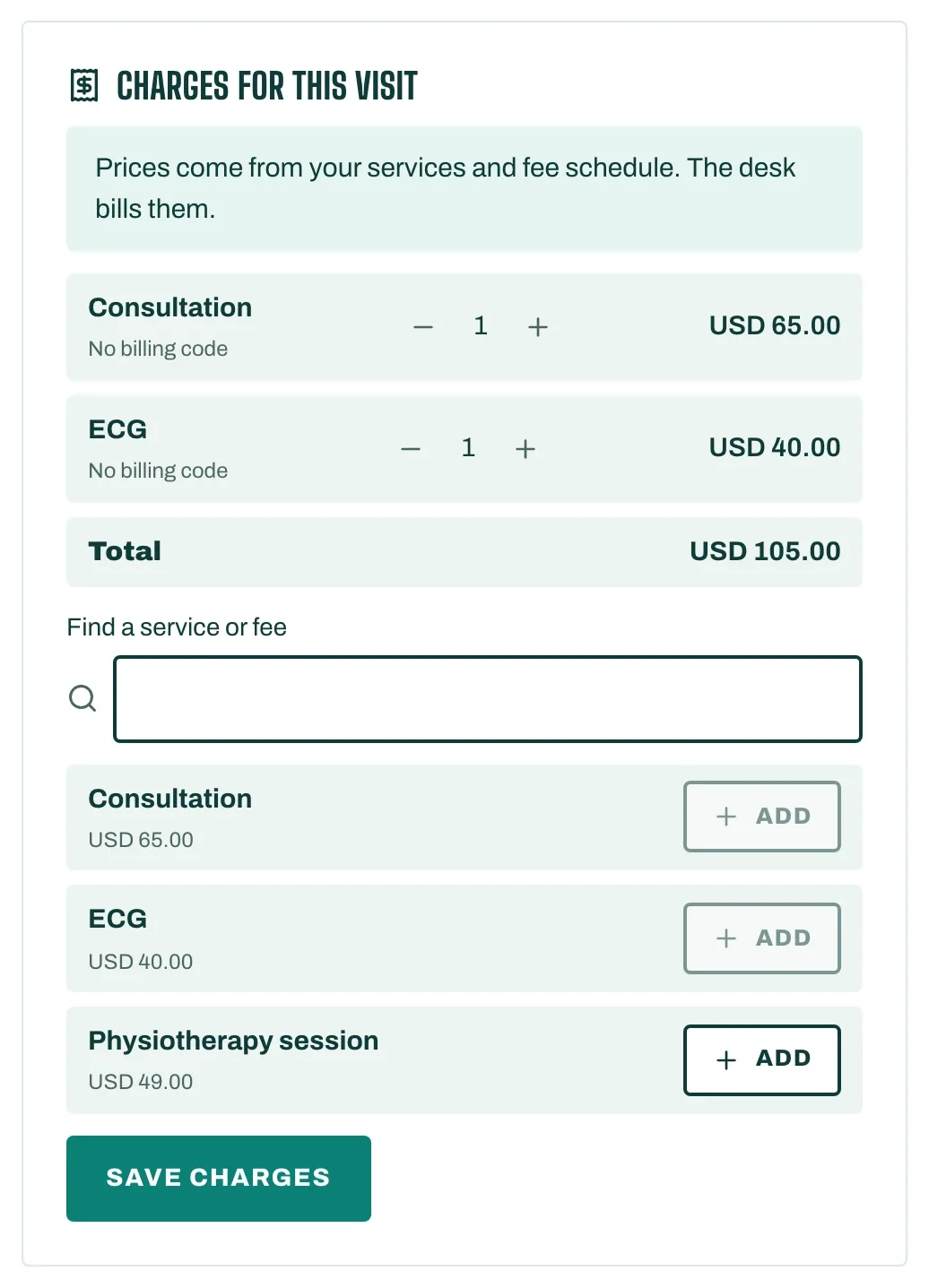
- In the visit, open Materials and charges.
- Under Charges for this visit, type in Find a service or fee and add what was done. Prices come from your services and your fee schedule.
- Under Materials used, add the stock you used if you track it. It is taken out of stock, from the lot you choose or the earliest to expire.
- Tap Save charges. You see Saved. The desk can bill them now.
The desk bills them
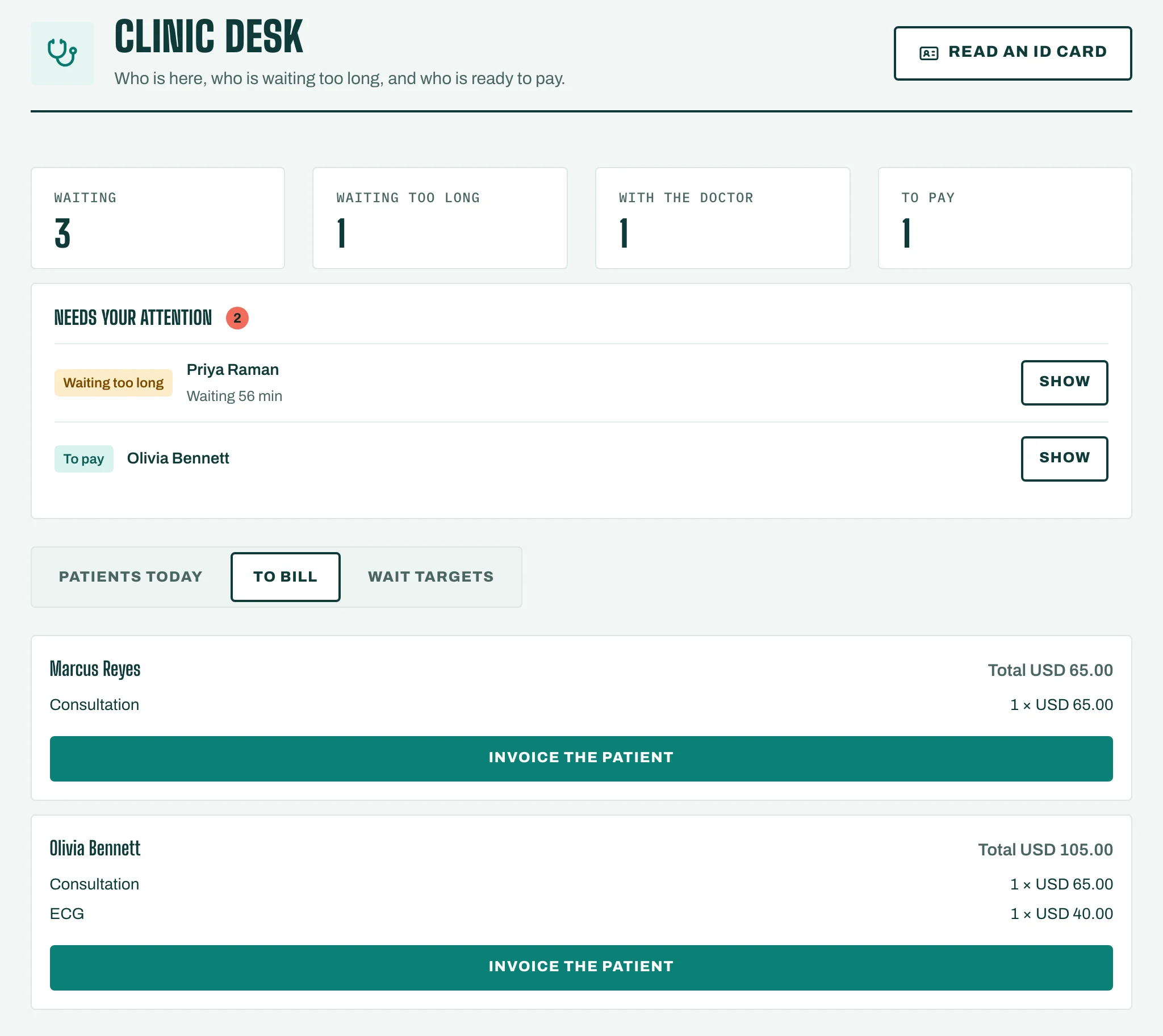
- On the Clinic desk, open To bill. Each visit shows its Total, and Has insurance when the patient has a card on file.
- Choose how to bill:
- Invoice the patient: STAK issues the invoice. Tap Open the invoice to take payment or send it.
- Insurance claim: choose the Insurance card and tap Create the claim. Then check and send it in Insurance and claims.
If billing is blocked
- Waiting for the doctor to sign the visit: a visit is billed only after it is signed.
- A charge has no billing code.: ask the doctor to use a coded item.
- The visit has no diagnosis code.: the doctor adds one to the visit.
- Insurance claims are part of the Custom plan. Billing needs the Invoices app.