

Hold a sale and resume it
Park a sale while the customer fetches something, serve the next person, then pick it up on any till in the branch.
Hold the sale
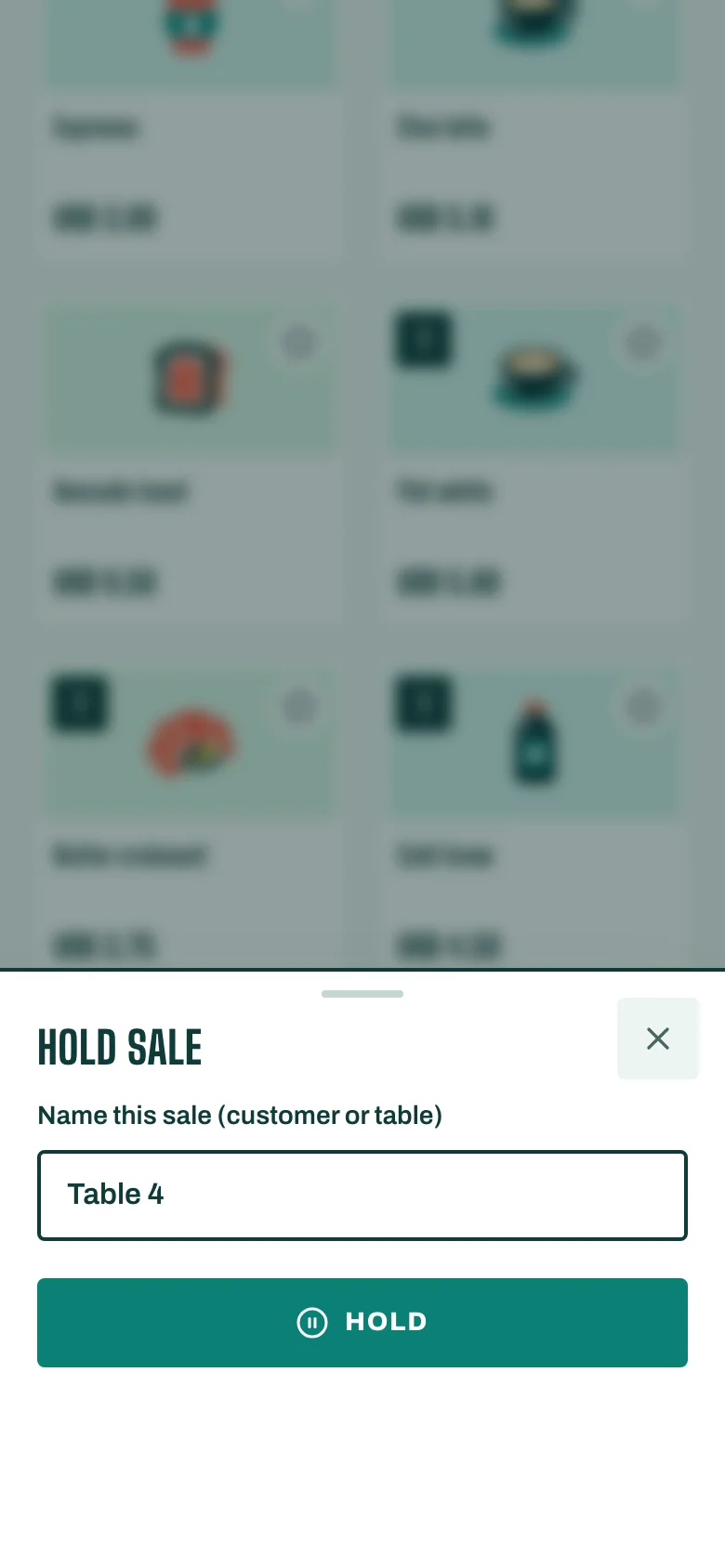
- With items in the cart, tap Hold sale.
- Give it a name in Name this sale (customer or table), for example "Sara" or "Table 4".
- Tap Hold. You see Sale held. Any till in this branch can resume it.
The cart is now empty for the next customer.
Resume it
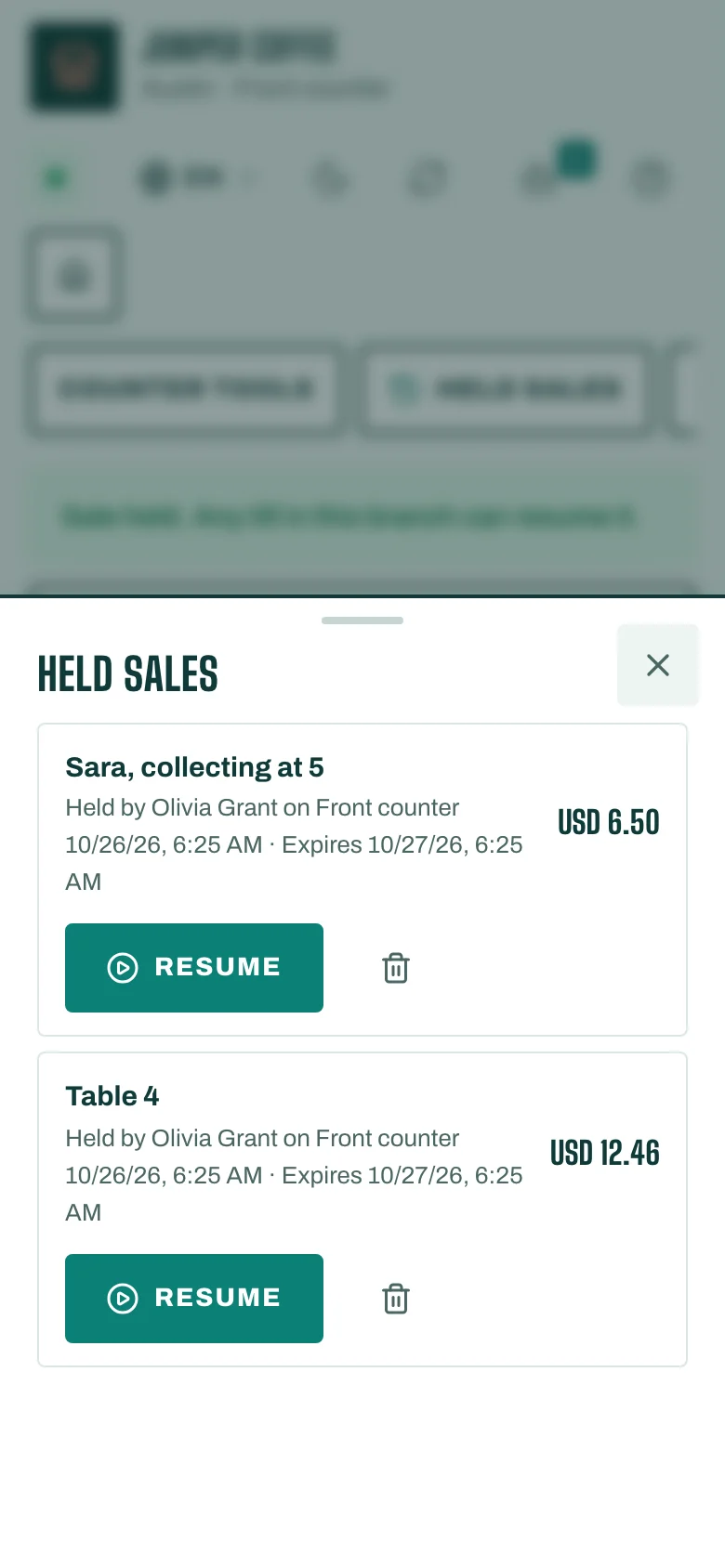
- Tap Held sales. You see every held sale in the branch, with who held it and on which till.
- Tap Resume on the one you want. Its items come back into the cart.
- Take the payment as usual.
To throw a held sale away, tap Discard.
Good to know
- You can only resume a sale when the cart is empty. If you see Finish or hold the current sale first., finish or hold the sale in front of you.
- A held sale expires after a while. The list shows when.