

Get started with the Till
Open a shift, ring up a sale, take the payment and give the customer a receipt.
The Till is where you sell at the counter. It works on a tablet, a computer or a phone, and it keeps selling when the internet drops.
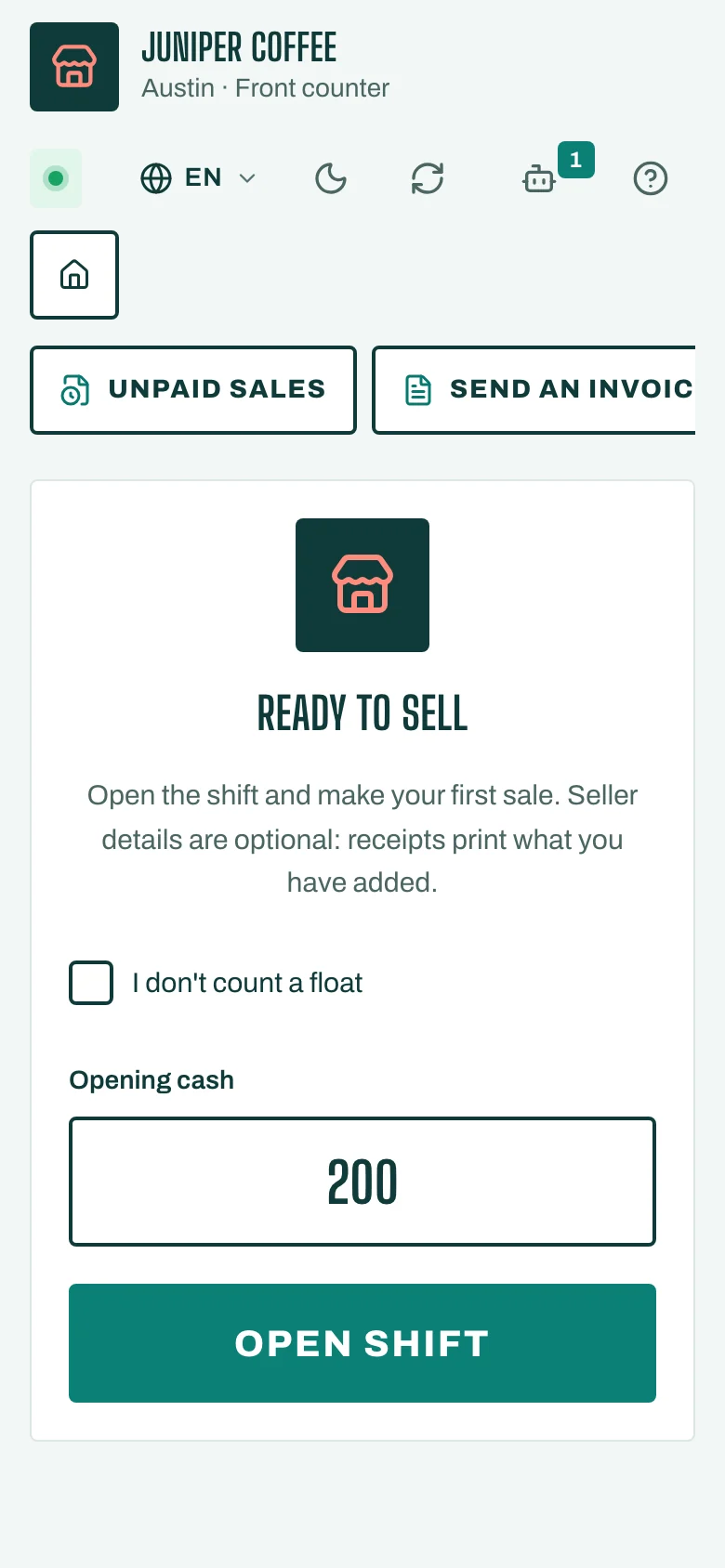
Open the Till
- On your home screen, tap Open the till. You can also tap Till in the menu.
- You see Ready to sell.
- Count the cash in the drawer and type it in Opening cash. If you don't keep a float, tick I don't count a float. The Till remembers your choice.
- Tap Open shift.
Ring up a sale
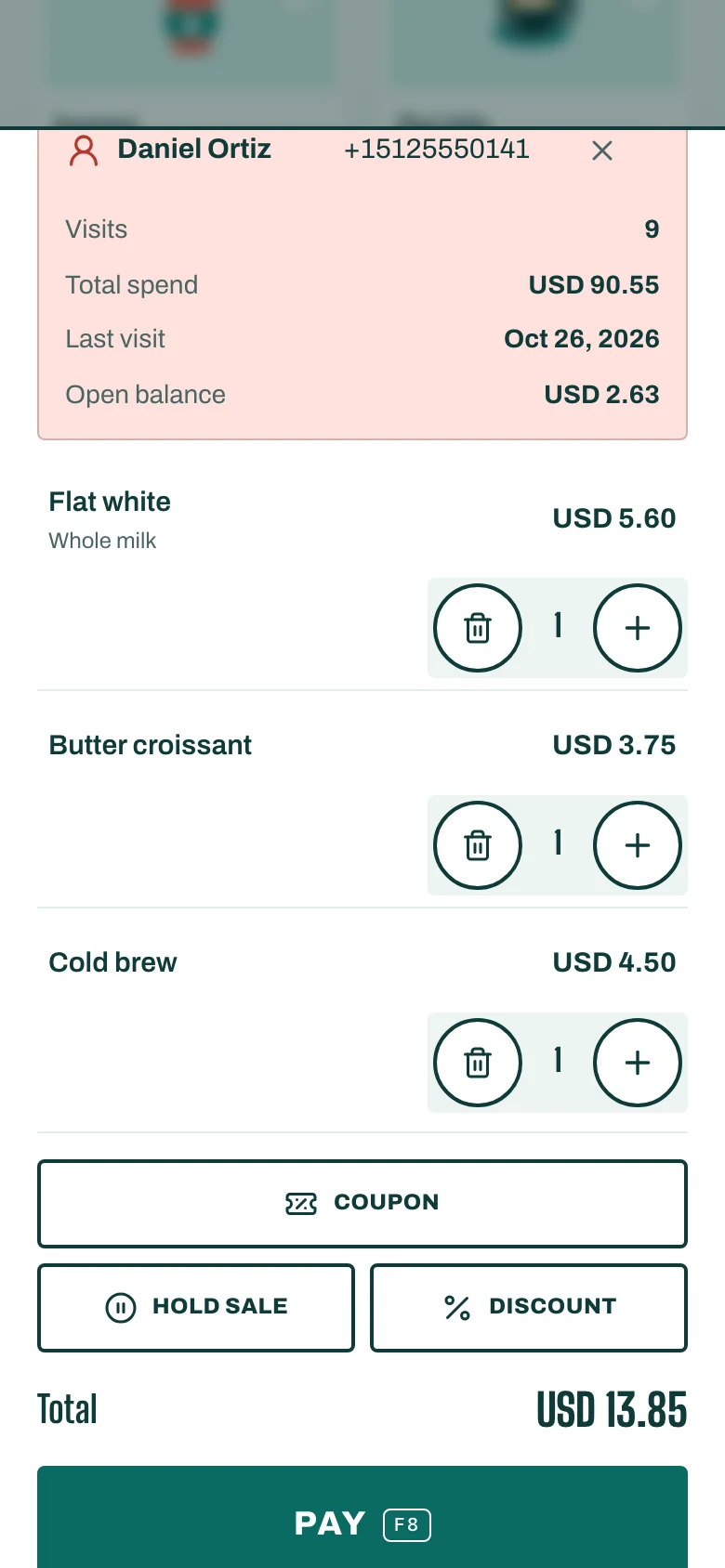
- Tap an item, or type in Find an item or scan a barcode. A barcode scanner works too, and so does Scan with camera on a phone or tablet.
- To change the quantity or price of an item, tap it in the Cart.
- To link the sale to a customer, tap Add customer and search by phone or name.
Take the payment
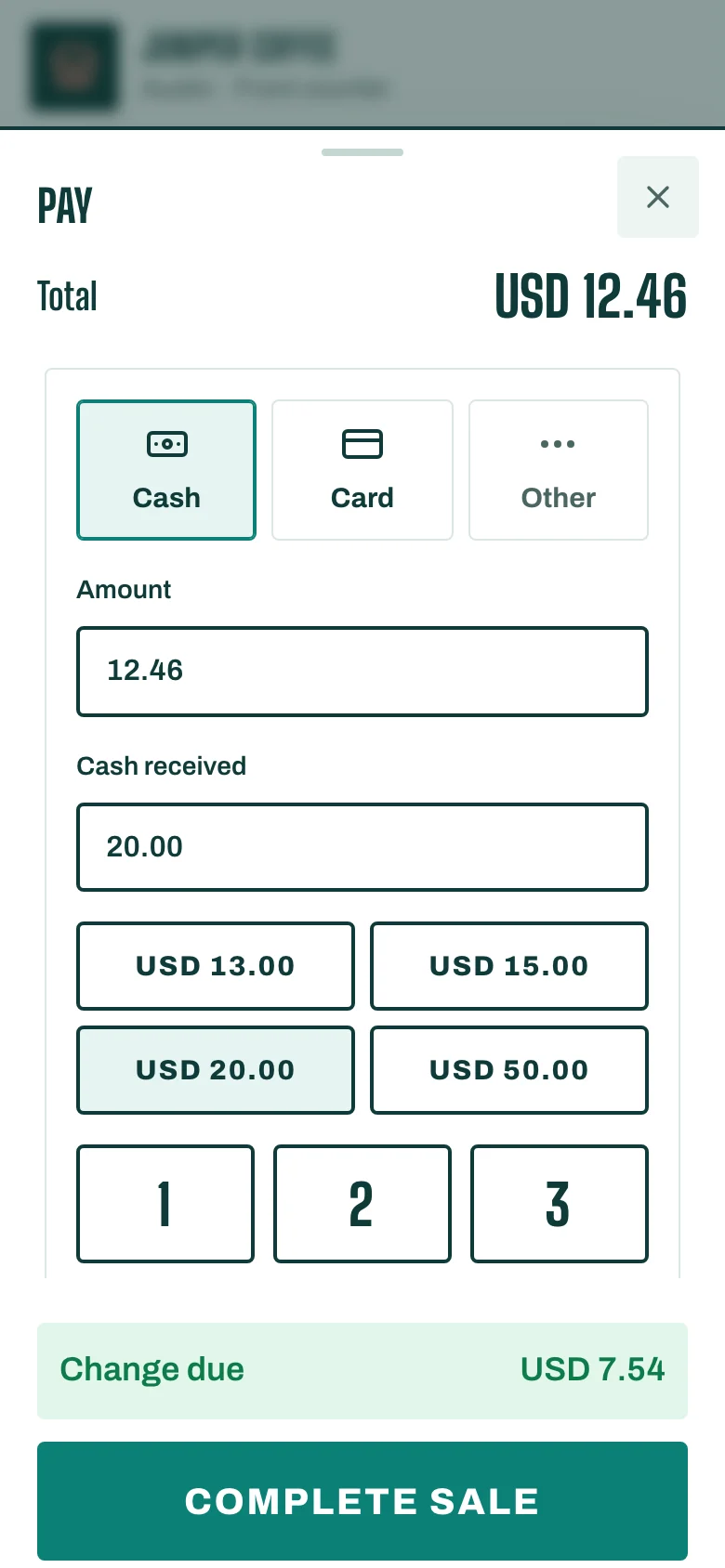
- Tap Pay (or press F8 on a keyboard).
- Choose how the customer pays: Cash, a card, or another method your business has set up.
- For cash, type the amount in Cash received. The Till shows the Change due.
- Tap Complete sale.
To pay with two methods, for example part cash and part card, see Take a card payment.
Give a receipt
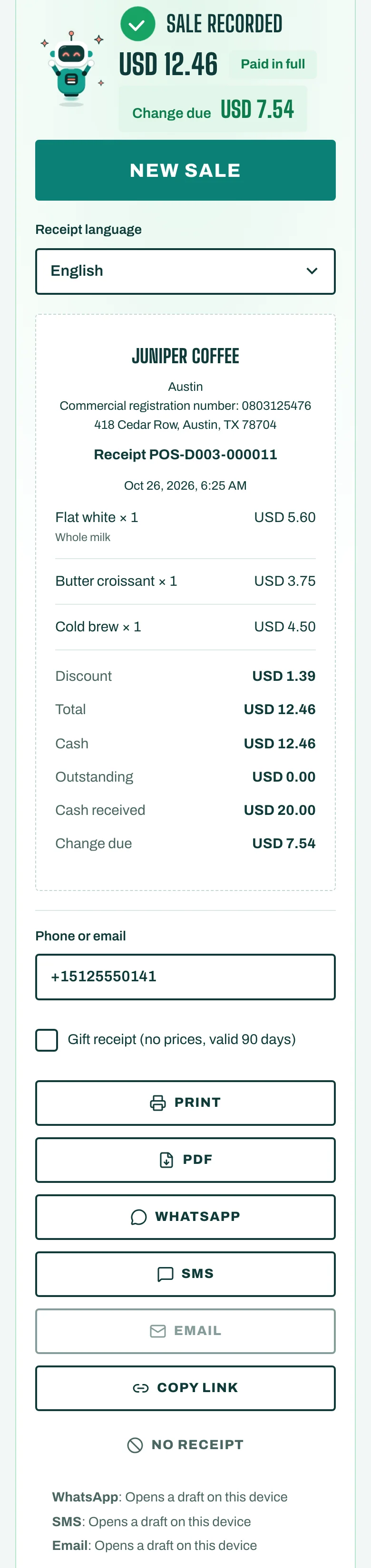
After Sale recorded, choose how the customer gets the receipt: Print, PDF, WhatsApp, SMS, Email or Copy link. If they don't want one, tap No receipt.
Then tap New sale.
If the internet drops
Keep selling. Each sale shows Sale saved on this device and reaches STAK as soon as the network is back, exactly once. Cash always works offline. Card payments offline follow the limit the owner sets.