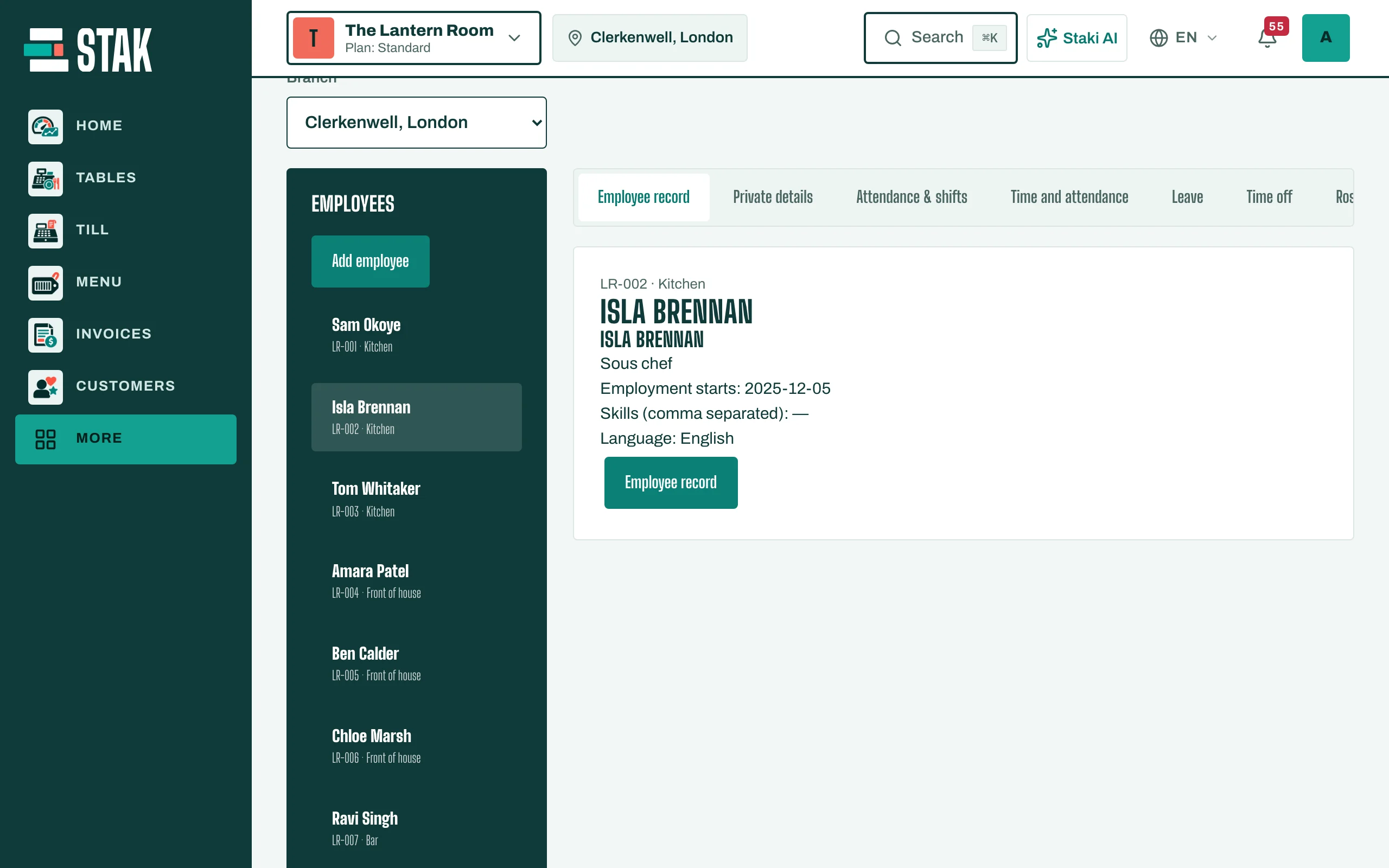
Get started with your team
Add your employees, then use one place for their records, shifts, time, leave and pay.
STAK keeps your team in two places:
- People (People & payroll): employee records, shifts, time, leave and payroll.
- Team and access: who can sign in to STAK, with which role, on which branches and devices.
Add an employee
- Tap People in the menu. You see People & payroll.
- Tap Add employee.
- Fill in the Employee record: name, Employee number, Job title, and the Contract annual leave days.
- If the employee signs in to STAK, link their Personal sign-in account. That lets them see their shifts, clock in and request leave.
- Tap Save.
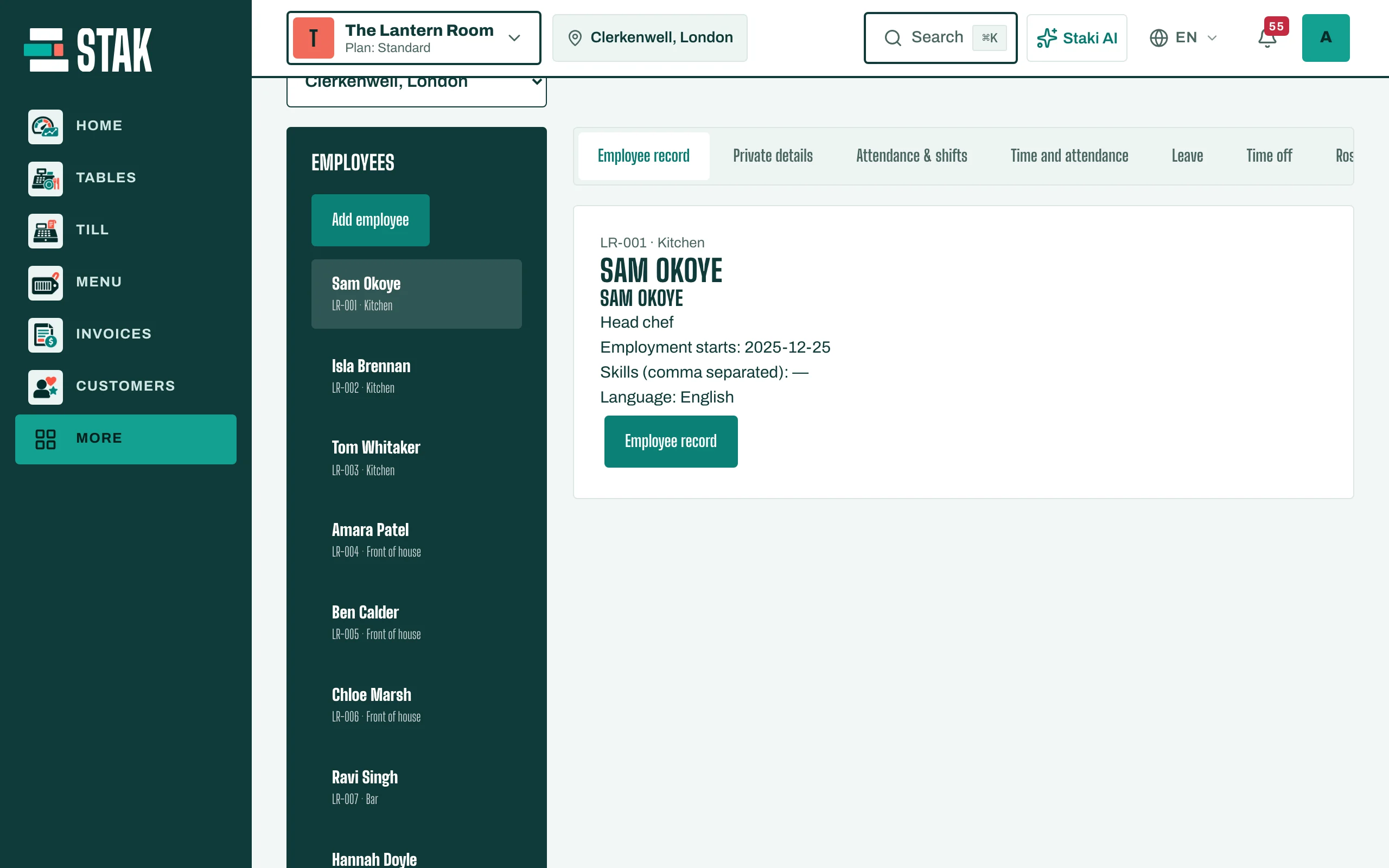
What's in each record
Open an employee to find their tabs: Attendance & shifts, Leave, Payroll and Payslips. Employee records are private: only people with HR permission see pay and personal details.