

Clock in and out
Staff record when they start, take a break and finish; managers review the time before payroll.
For staff
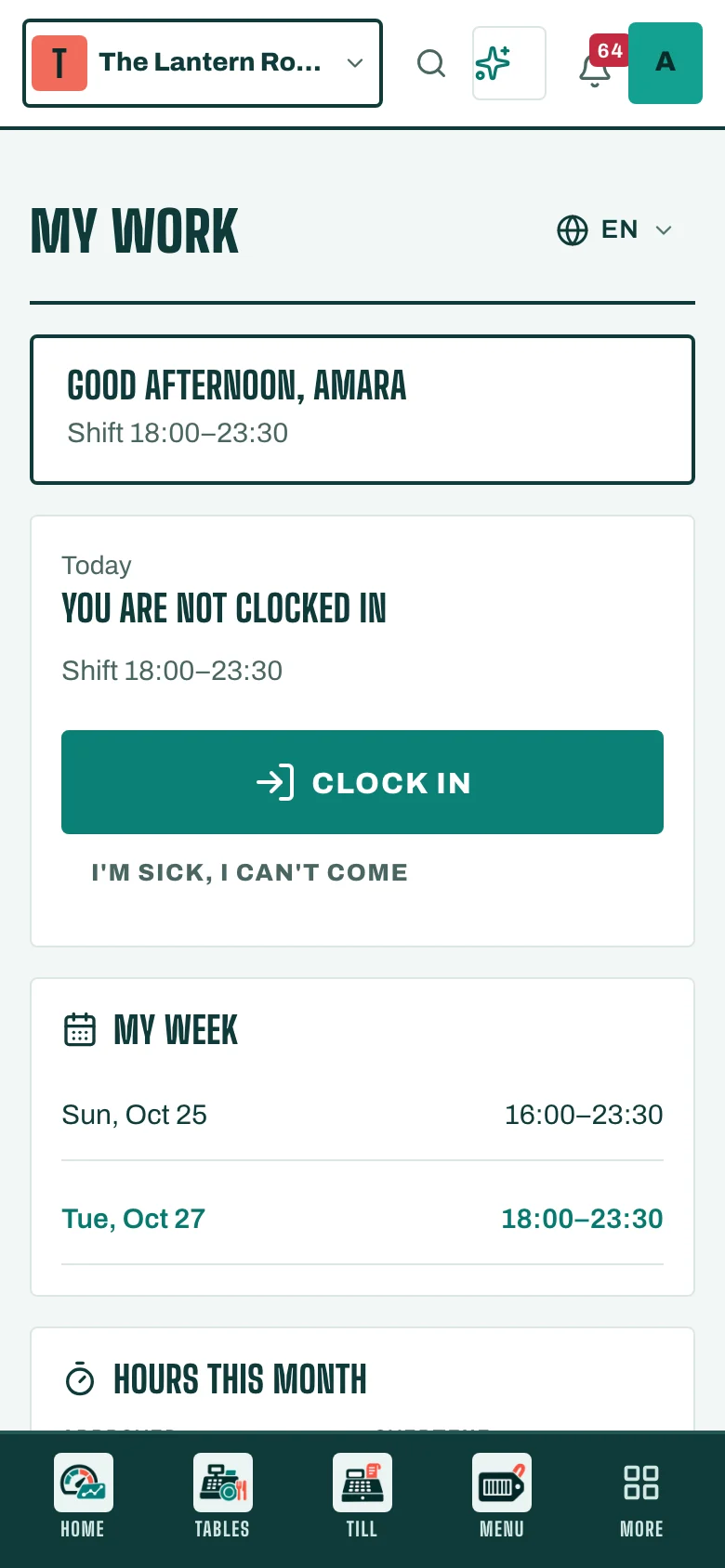
- Open My employee portal (or Attendance & shifts).
- Tap Clock in when you start.
- Tap Start break and End break around your break.
- Tap Clock out when you finish.
For managers
Every punch shows under Attendance & shifts, next to the planned shift. Fix a missing punch with New time review, adding a note to say why. Payroll uses only reviewed time, so review the month before you prepare payroll.