

Record waste or damage
Take spoiled, broken or expired items out of stock with a reason.
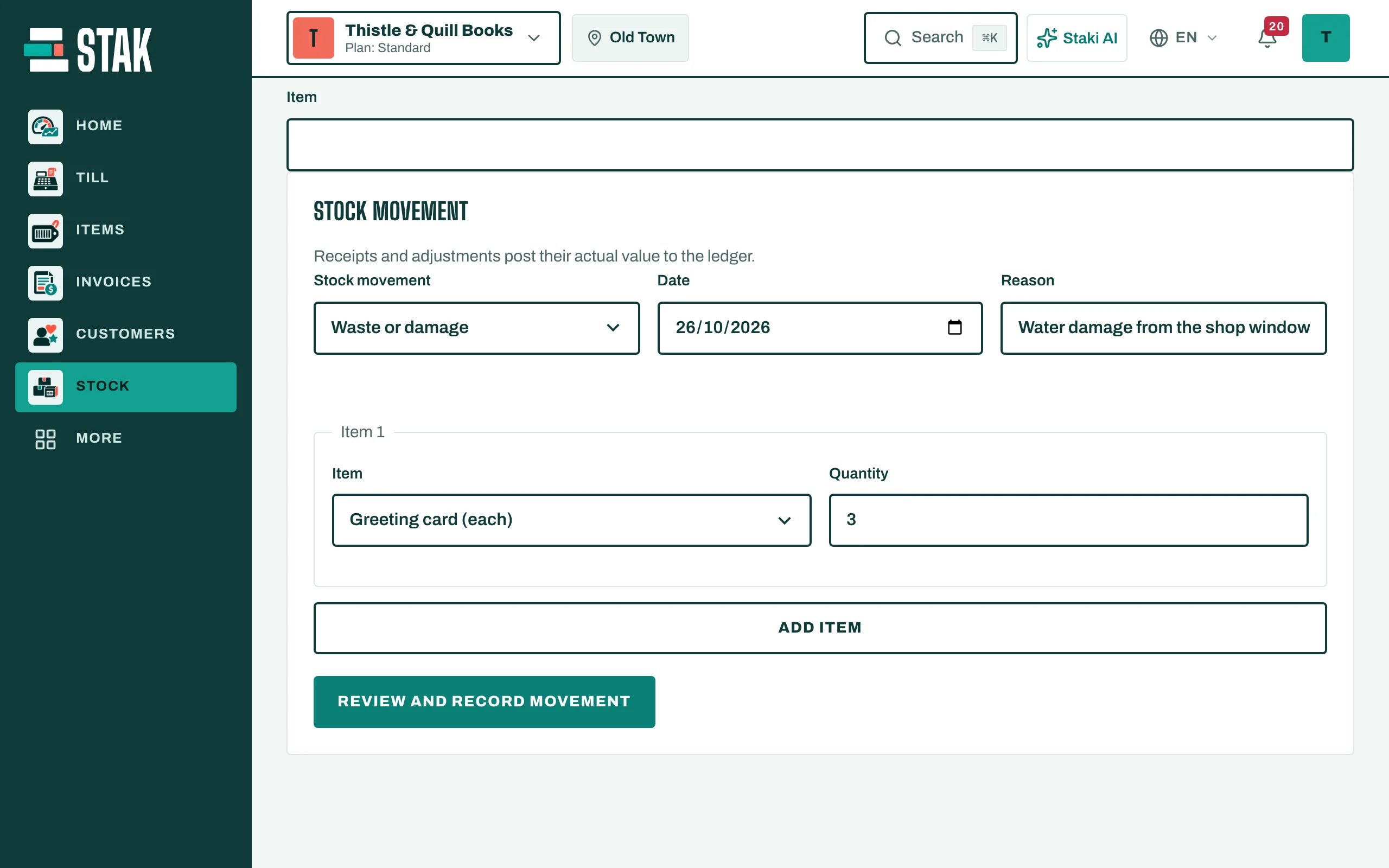
- In Stock, open Stock movement and choose Waste or damage.
- Choose the Location.
- Tap Add item, type the Quantity, and pick the lot if the item has batches.
- Write the Reason, for example "Dropped" or "Past its date".
- Tap Review and record movement.
The stock goes down and the cost is posted to your books as a loss. Large write-offs may need someone with a higher limit: STAK shows The amount is above your role limit. when that happens.
To find items close to their date before they're wasted, check Expiring in on the stock summary.