

Order from a supplier
Turn low stock into purchase orders and send them to the supplier on WhatsApp.
Let STAK suggest the order
- In Stock, open Purchase orders.
- Under Reorder levels, each item at or under its Reorder point shows a Suggested quantity.
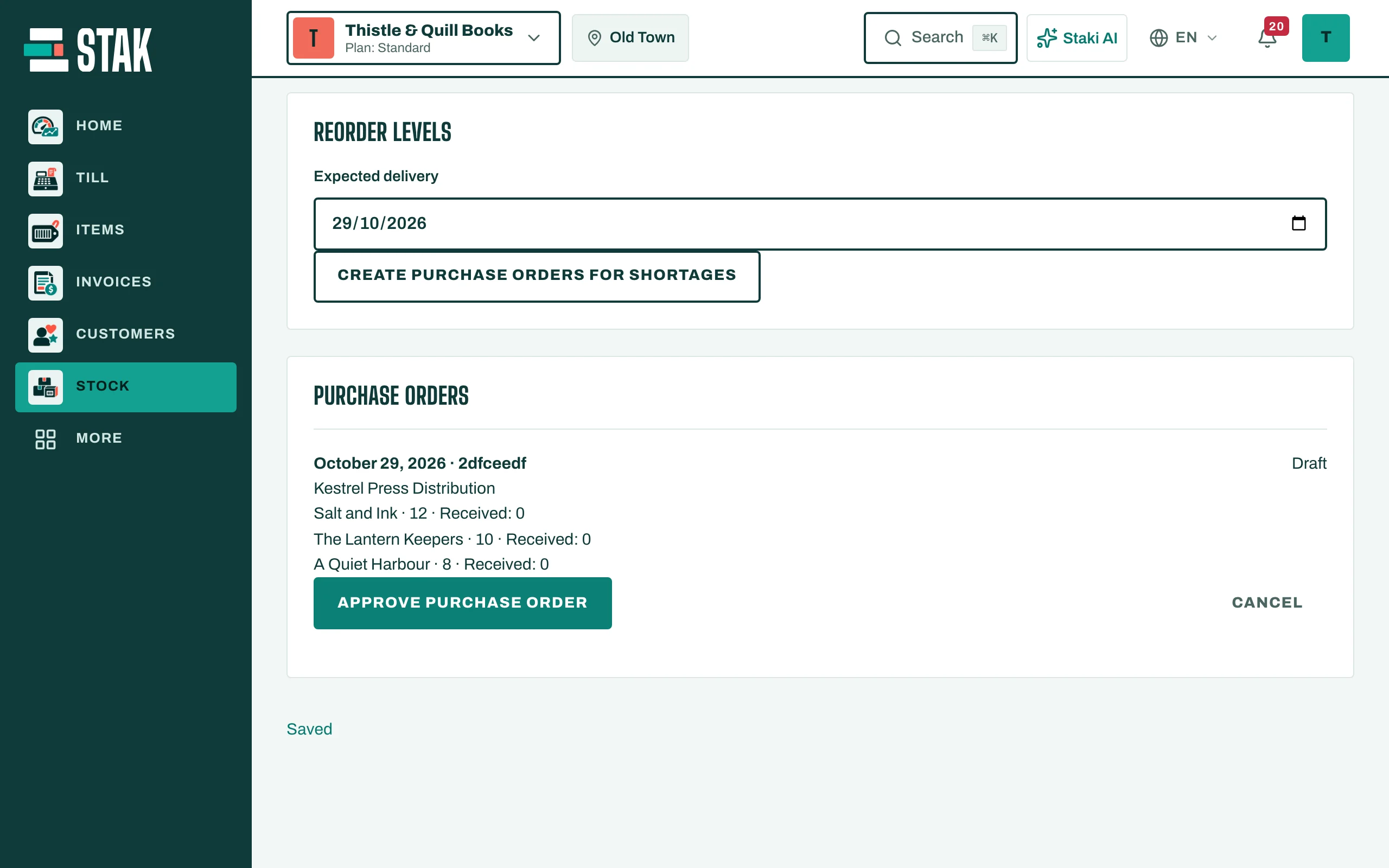
- Tap Create purchase orders for shortages. STAK makes one draft order per supplier.
Or write an order yourself
- In Purchase orders, choose the Supplier and the Expected delivery date.
- Add each item with its quantity.
- Tap Save. The order is a Draft.
Approve and send it
- On the order, tap Approve purchase order. It shows Approved for purchase.
- Tap Prepare supplier message, then Open WhatsApp message. The message opens in WhatsApp for you to send.
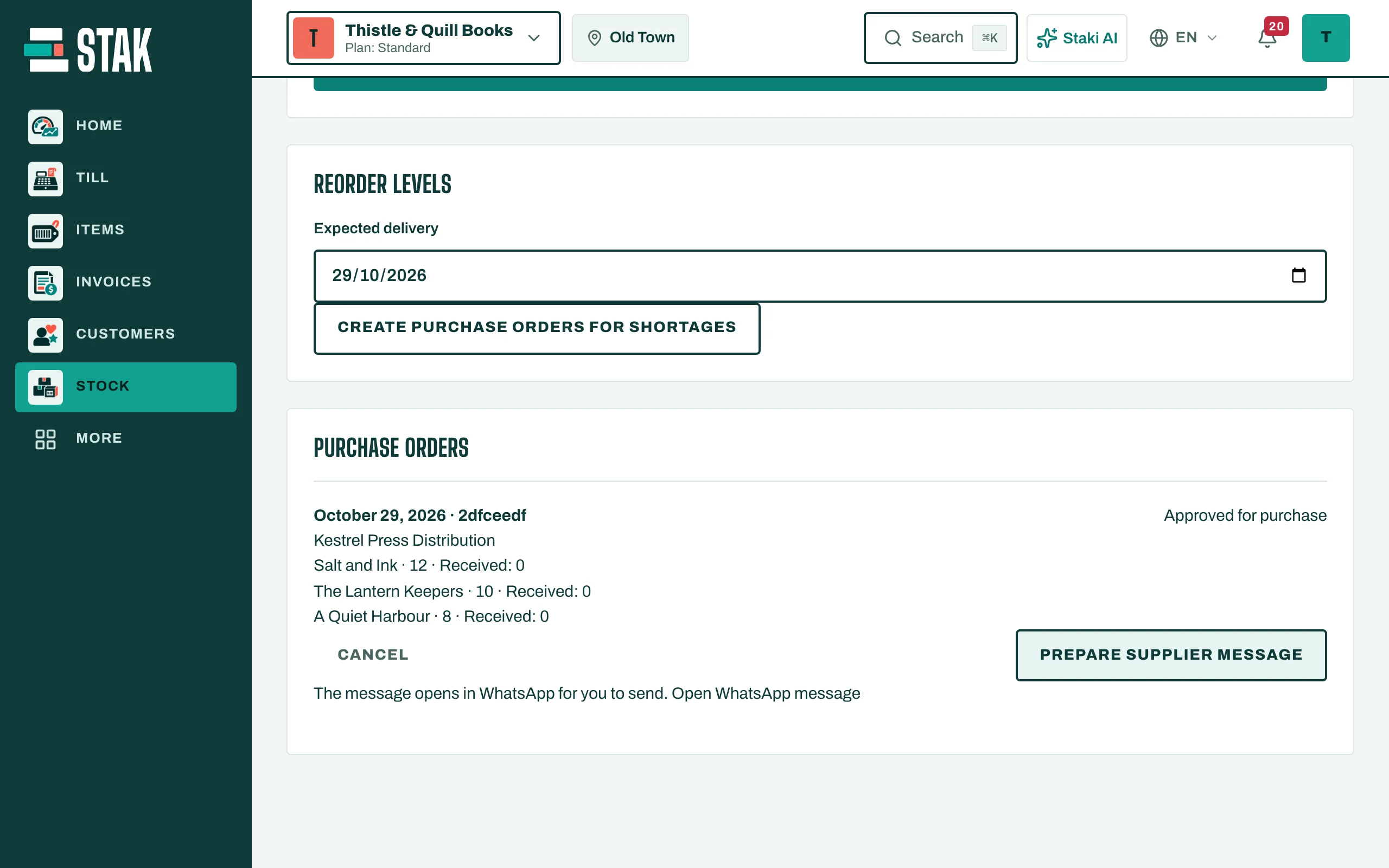
When the delivery arrives, receive it against this order: see Receive a delivery. The order shows how many of each item have been Received.