

Move stock between locations
Record stock you moved from one location or branch to another.
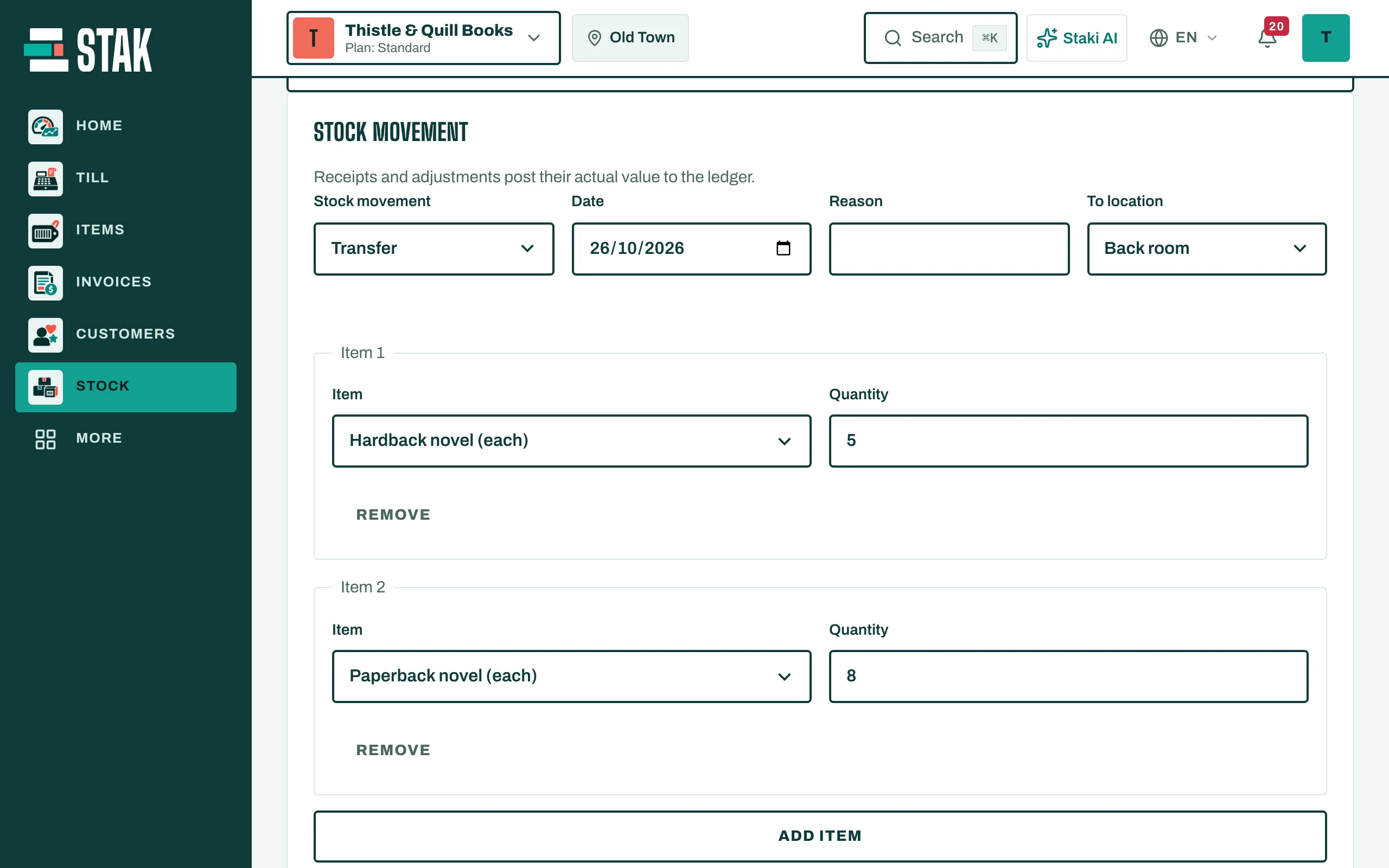
- In Stock, open Stock movement and choose Transfer.
- Choose the Location it leaves from and the To location.
- Tap Add item for each item and type the Quantity. For items tracked by batch, pick the lots under Select remaining lots.
- Tap Review and record movement.
The quantity leaves one location and arrives at the other at the same cost. You see the move in Movement history at both places.