

Count your stock
Count the shelves with your phone, even while you keep selling; only the difference is applied.
You can count while the shop stays open: STAK applies only the difference between what you count and what it expected.
Start a count
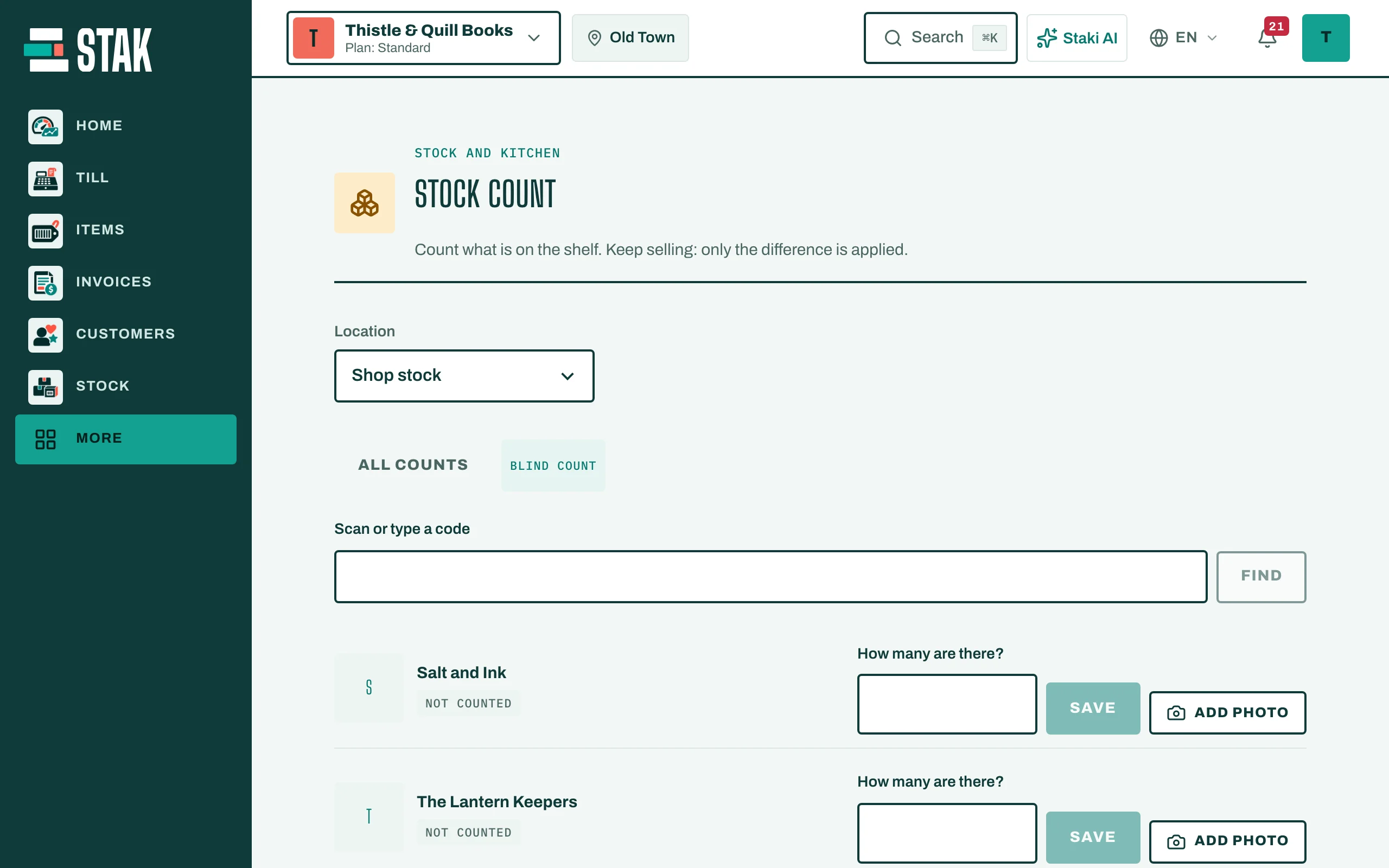
- Tap More, then Stock count.
- Choose the Location, then tap Start a count. Add a Section (optional), for example "Shelf A".
- Tick Blind count if the counter shouldn't see the expected quantity.
Count each item
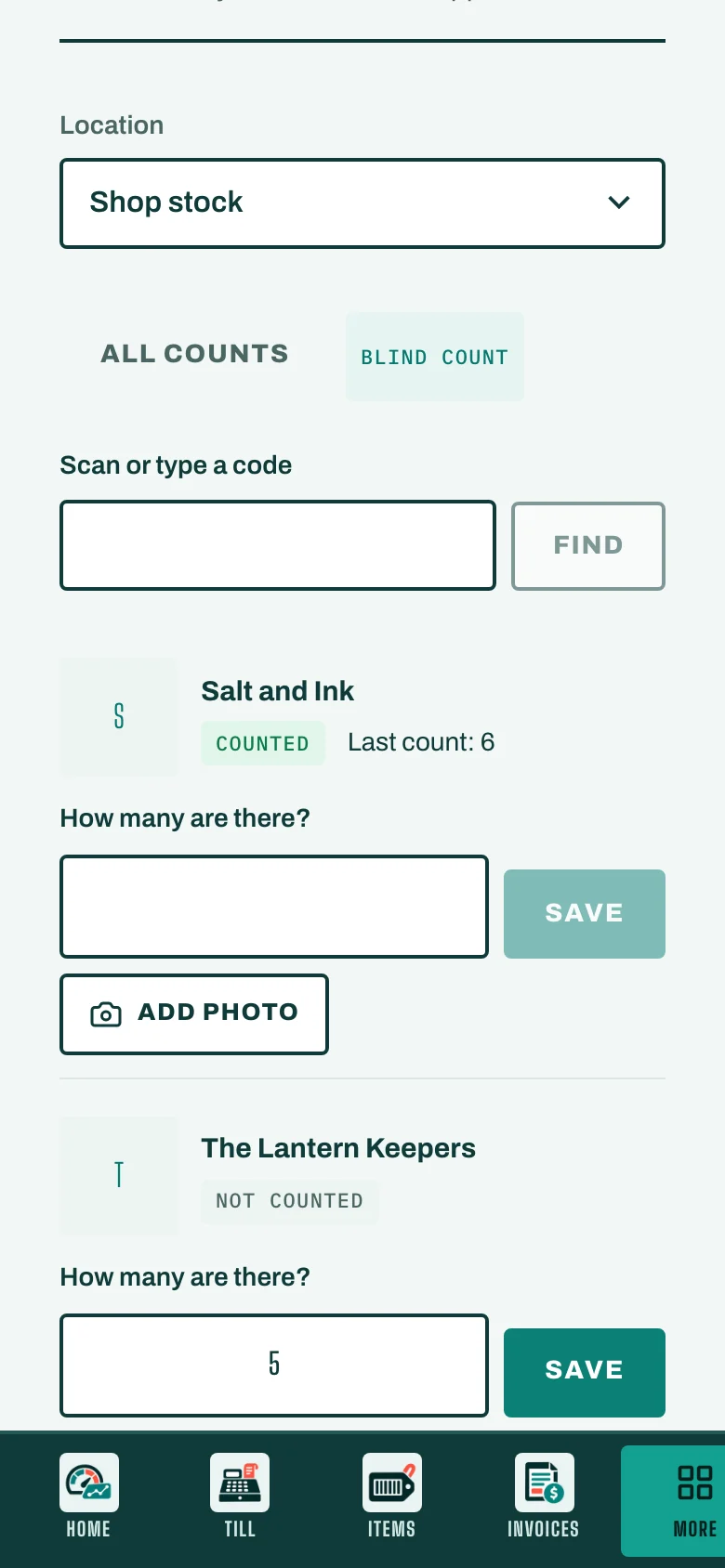
- Scan or type a code, or find the item in the list.
- Answer How many are there? and tap Save.
- To show a damaged item, tap Add photo.
Each item moves from Not counted to Counted. If a count is far off, the item shows Someone else must count this again, and a colleague counts it a second time.
Stock count keeps working without the internet and sends your counts when you're back online.
Finish
When every item is counted, tell your manager the count is ready. The manager reviews the differences and approves them in Stock under Counts. The stock and the books are then corrected.