

Mark a dish sold out
Take a dish or an option off the menu everywhere at once when the kitchen runs out, and bring it back later.
When the kitchen runs out of something, mark it sold out. It can't be ordered at the tables, the till or your online store until you bring it back. Kitchen staff also call this "86".
- On the kitchen screen, tap More, then Sold out. The Sold-out items list opens.
- Find the dish in Search items. Switch to Add-ons to find an option.
- Choose how long:
- Sold out for 1 hour,
- Sold out until next opening,
- Sold out until restored.
- Add a Note (optional) if it helps the team.
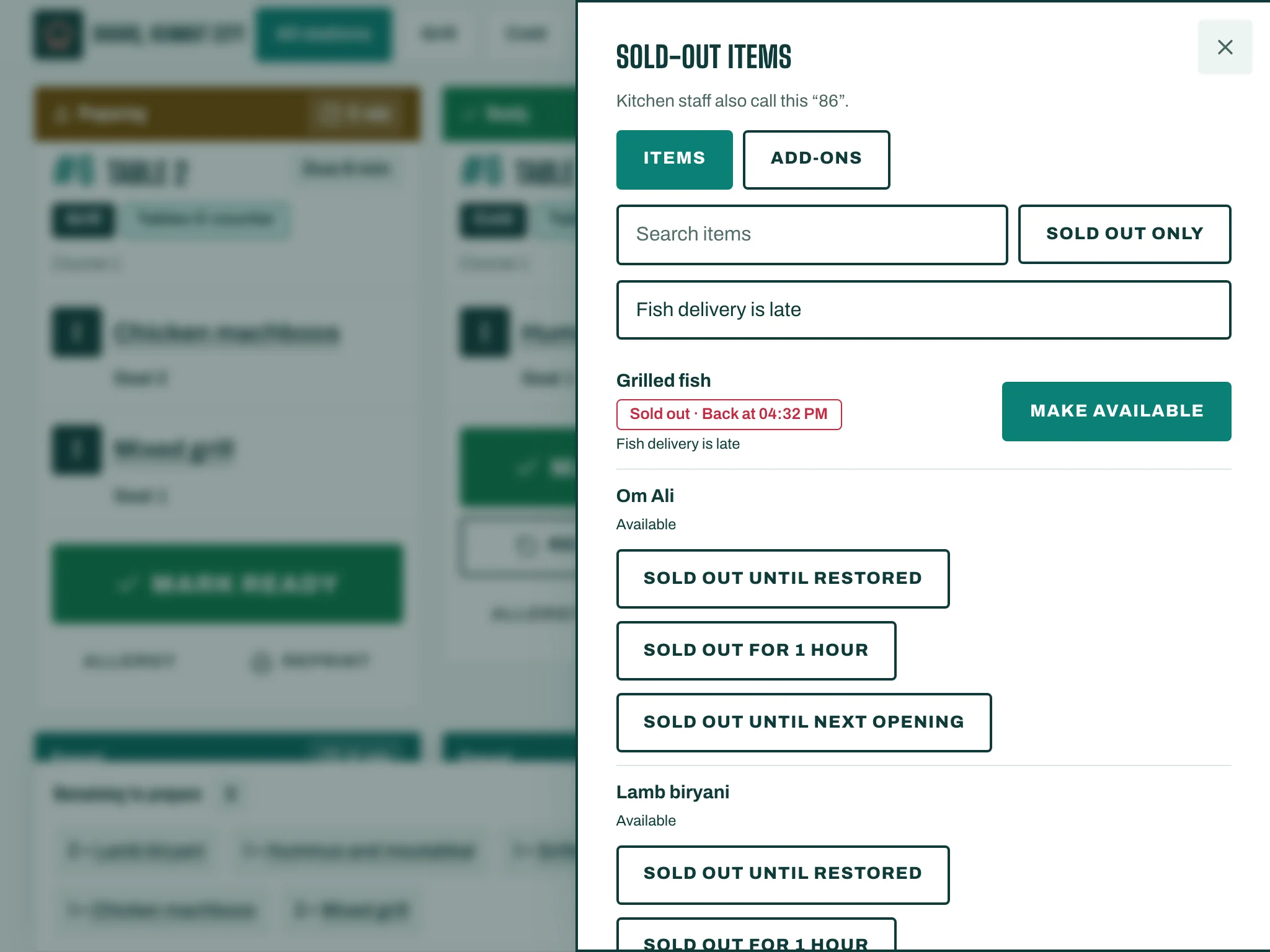
To bring it back, tap Make available. Choose Sold out only to see just what is off the menu now.
Good to know
- When stock tracking is on and the ingredients run out, the dish shows Out of stock by itself and comes back when stock arrives.
- You need permission to change sold-out items. If you don't have it, you see Your role cannot change sold-out items.