

Get started with STAK Kitchen
Set up your rooms, tables and kitchen stations, then take table orders and send them to the kitchen screen.
STAK Kitchen is the till for restaurants and cafés: table orders, courses, the kitchen screen and split bills. It runs on a tablet, a computer or a phone, and keeps working when the internet drops.
Open your tables
In the menu, tap Tables and orders. You see your floor, with each table's status: Free, Reserved soon, Seated, Ordered, Food ready, Served, Bill open or Paid, needs clearing.
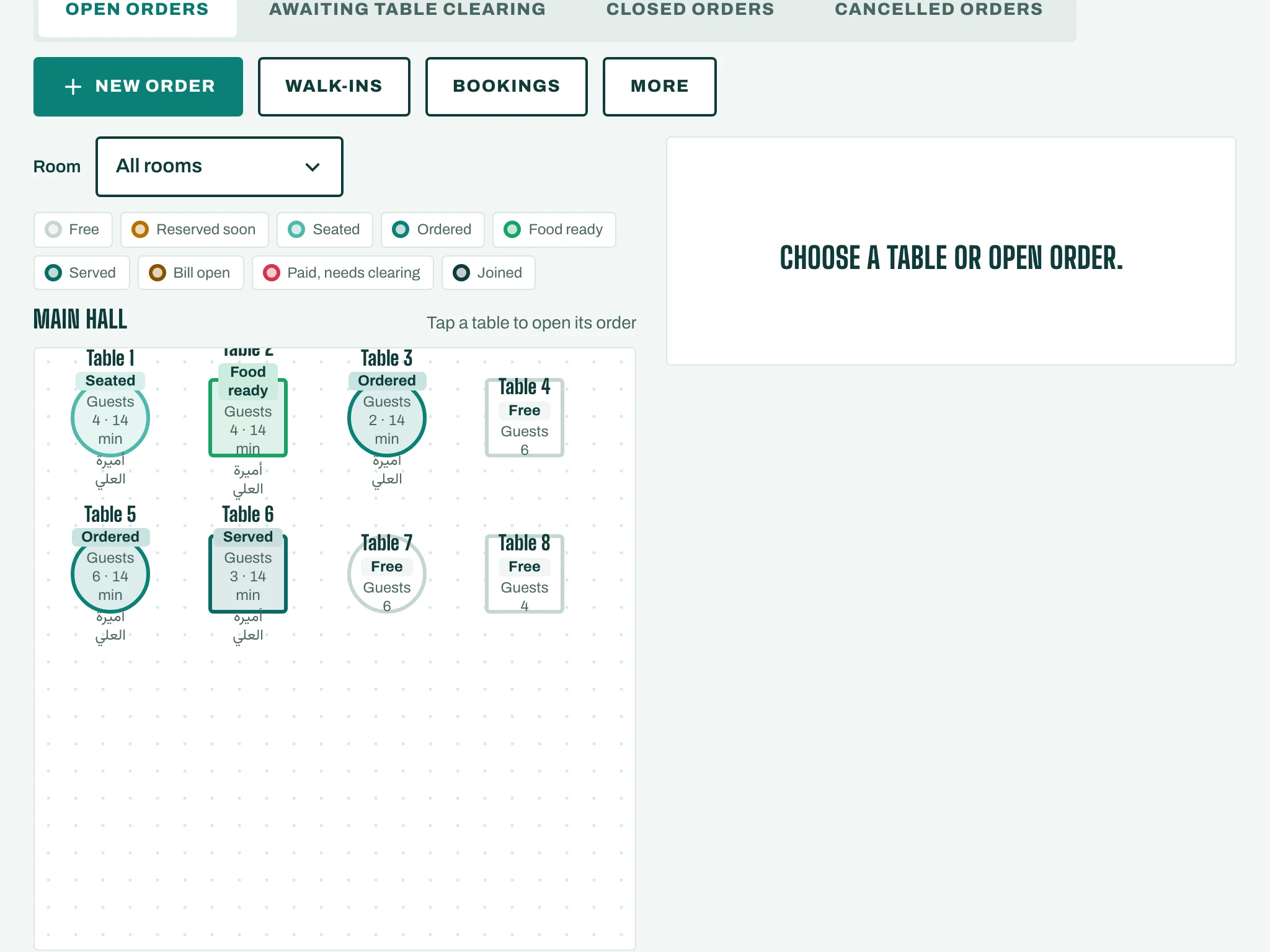
Set up your floor (owner or manager)
- On Tables and orders, tap More, then Floor plan and routing.
- Under Rooms, tap Add room (for example "Main hall" or "Terrace"). Give it a name.
- Under Tables, tap Add table for each table: its Room, Seats and Shape (Round or Rectangle).
- Under Kitchen stations, tap Add station for each place food is made, for example "Grill", "Cold" or "Bar".
- Under Item routing, choose the station for each item. Every item needs an active kitchen station before it can be sent to the kitchen.
- Tap Save.
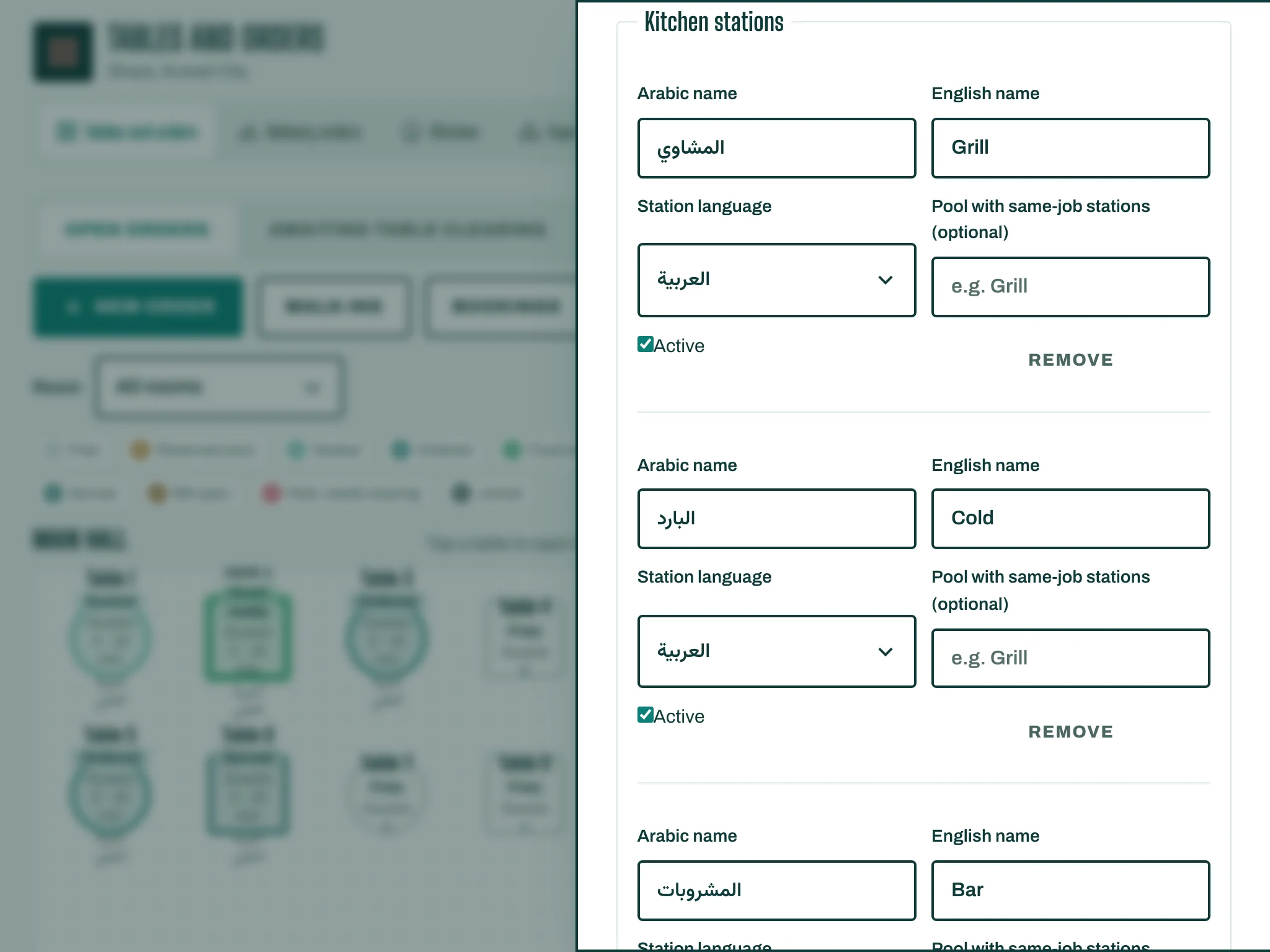
Rooms and tables need the Tables and floor plan part of your plan. Kitchen stations can be saved without it, for counter and takeaway service.