

Archive or restore a customer
Take a customer off your active list without losing their history.
Archiving takes a customer off your active list. Their invoices, visits and history stay.
Archive
- Open the customer and tap Archive customer.
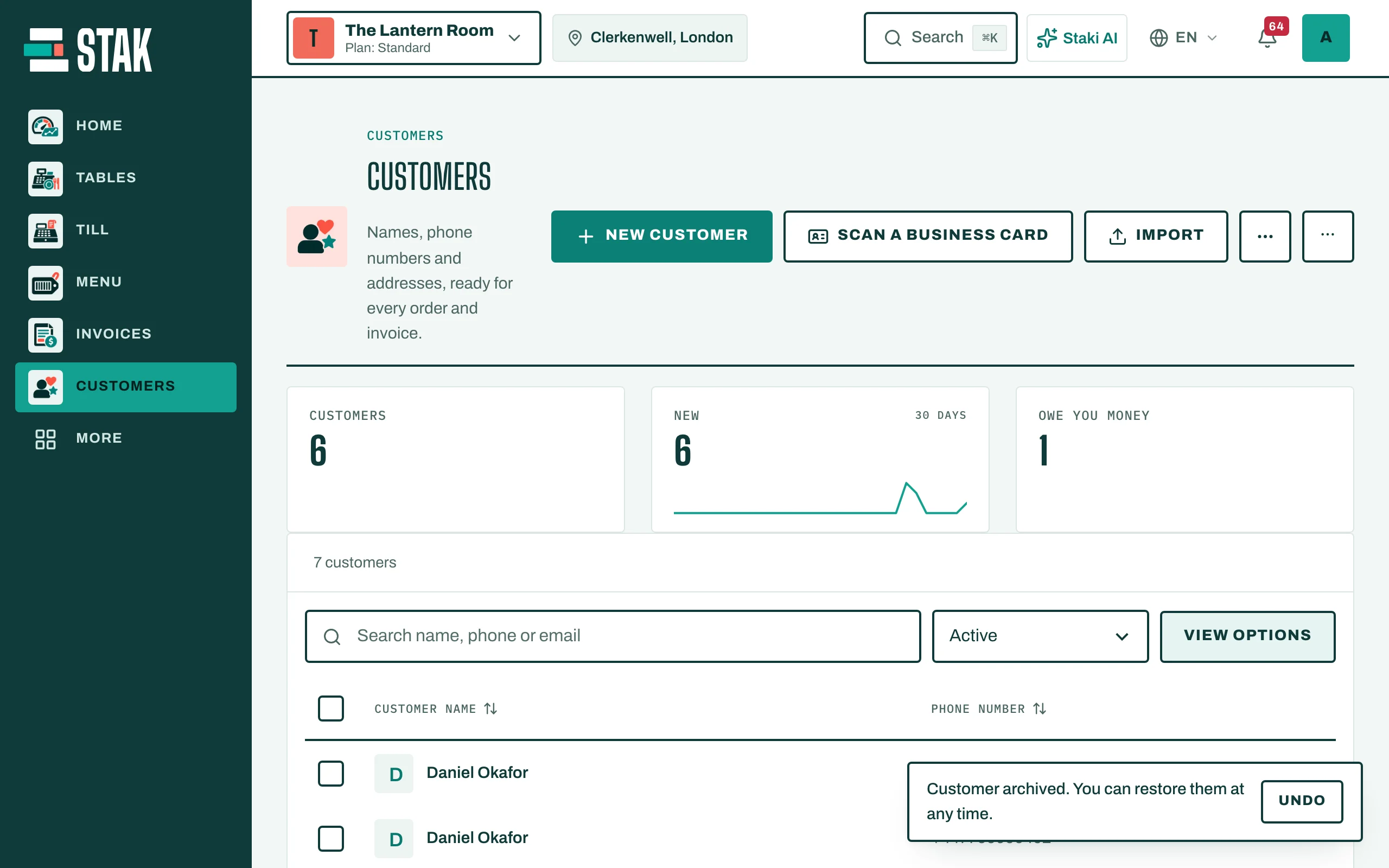
- You see Customer archived. You can restore them at any time. Tap Undo if it was a mistake.
Restore
- In Customers, change Customer status to Archived.
- Open the customer and tap Restore customer.
Good to know
A phone number stays linked to its customer even when archived. If you can't save a new customer because This phone belongs to another customer, search the archived customers too.