

Merge duplicate customers
Find records that are the same person and merge them, keeping all their history and points.
The same person sometimes ends up saved twice: once with a country prefix and once without, or with their name spelled two ways.
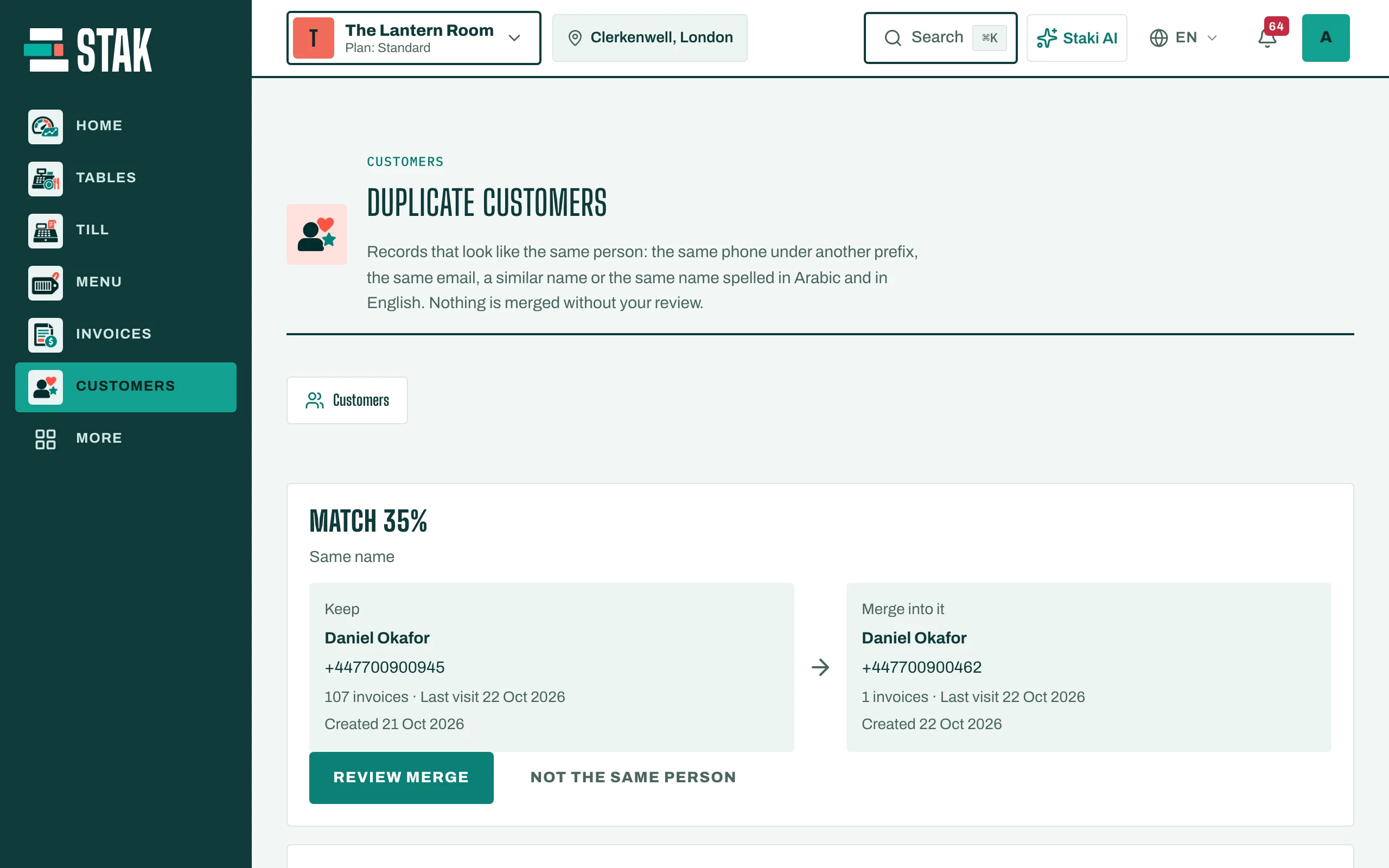
- In Customers, tap Find duplicate customers. You see Duplicate customers: pairs that look like the same person, with the reason (same phone, same email, a similar name).
- On a pair, choose the record to Keep, and the other to Merge into it.
- Tap Review merge, check what moves across, then tap Merge.
Visits, invoices, points and notes all move to the record you keep. The merged record stays in the history, so nothing is lost.