

Close a month
Lock a finished month so nothing changes in it by accident.
Closing a month locks it: nobody can post into it by mistake, so your reports for that month stay final.
Before you close
In Accounting, check What needs you: match the month's bank lines, approve waiting supplier bills, and make sure no journal is still Awaiting approval. A month with Unposted journals can't be closed.
Close it
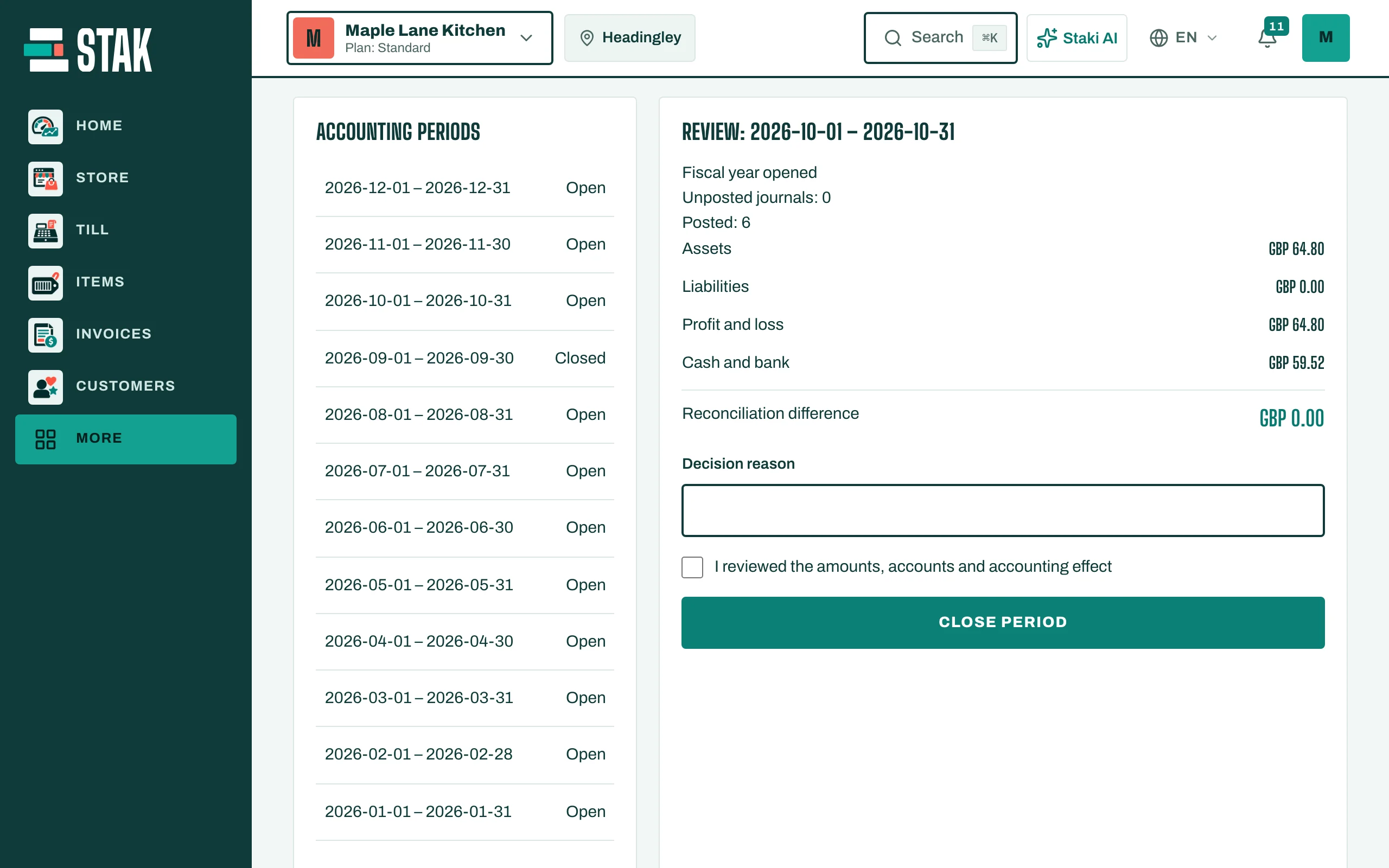
- In What needs you, tap Close followed by the month. Or open Accounting periods in the Accountant view.
- Review the month, then tap Close period. The period shows Closed.
Open it again
If something has to change, the owner or accountant opens the period again with Reopen period, makes the change, and closes it again.
Documents dated in a closed month are refused with a message asking you to use an open period.