

Get started with your books
Open the year your books cover; STAK fills them from your sales, invoices and bills.
Your books keep themselves up to date: every sale on the till, every invoice and every supplier bill you approve is posted automatically. You don't type journals for day-to-day trading.
Open the books
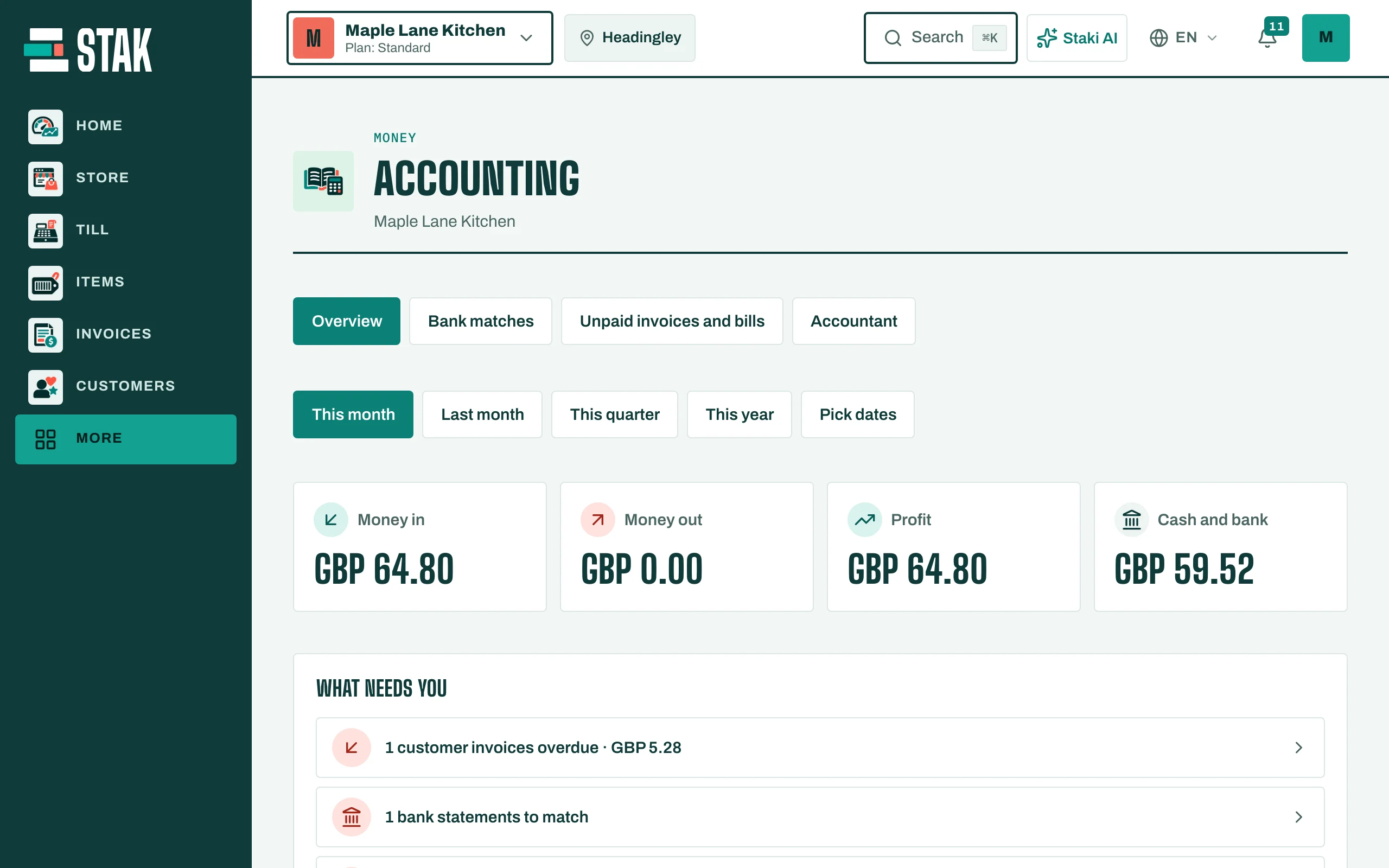
- Tap More, then Accounting.
- The first time, you see Start your books.
- Tap Open the books for the current year, or Choose other dates if your financial year starts on another date.
Only the owner or the accountant can open the books.
Read the overview
The Overview shows, for the dates you pick (This month, Last month, This quarter, This year or Pick dates):
- Money in and Money out,
- Profit or Loss,
- VAT due or VAT to reclaim,
- What needs you: supplier bills to pay, customer invoices overdue, bank statements to match, and a month to close. Tap any line to deal with it.
For your accountant
The Accountant view has the ledger, Journals, the Chart of accounts and Accounting periods. A journal goes through Save draft, Submit for review, then Approve and post by a second person.