

Run the day
Mark customers as arrived, finish their appointment, and record cancellations and no-shows.
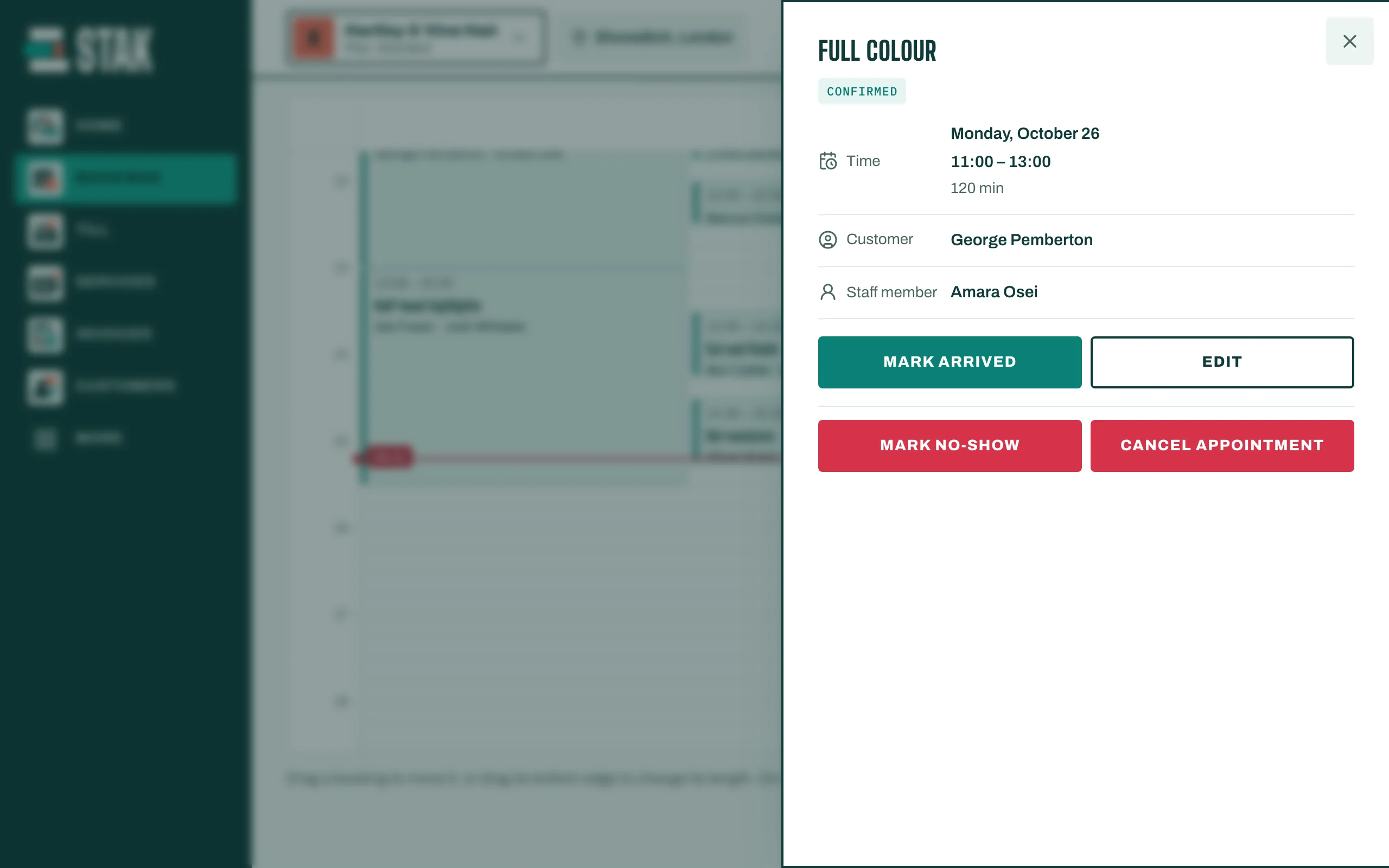
Open Bookings on Today. Tap a booking to see its actions.
- Mark arrived when the customer walks in. The booking shows Arrived.
- Complete appointment when the service is done. The booking shows Completed.
- Cancel appointment if the customer cancels. The time opens up for booking again, and the cancelled visit stays on the customer's record. Tap Keep it if you changed your mind.
- Mark no-show if the customer didn't come. The no-show is kept on their record and the time opens up again.
Walk-ins
For a customer without a booking, tap New appointment and choose Walk-in under Appointment, at the current time.
The front desk
Online booking and front desk has a Front desk view for reception, where customers are checked in and their visit is paid.