

Send an invoice and get paid online
Share the invoice as a PDF or as a secure link the customer can pay from.
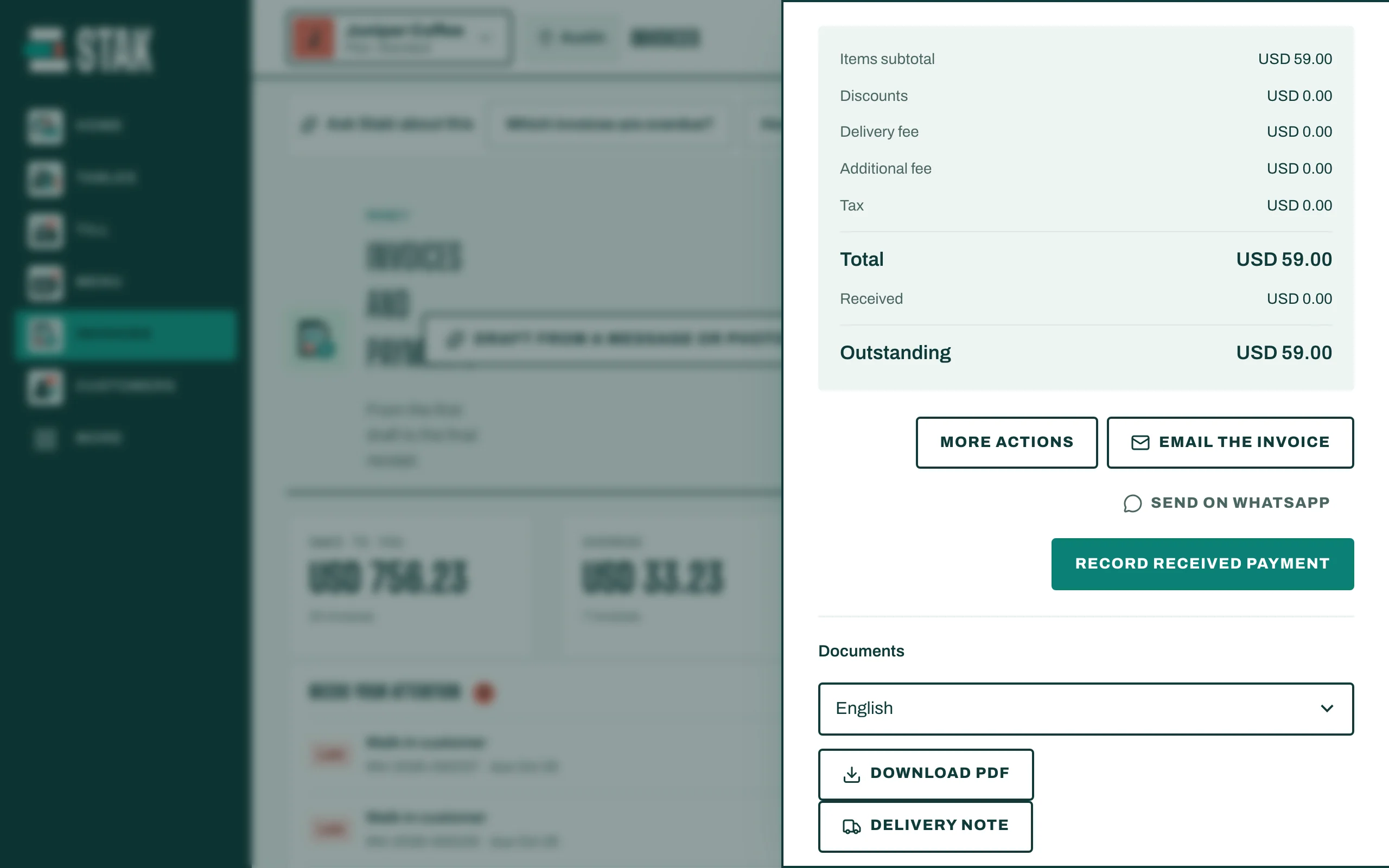
Send the PDF
- Open the issued invoice.
- Pick the Document language if your customer reads another language.
- Tap Share invoice to send it from your phone's share menu, or Download PDF to attach it to an email.
Send a payment link
A payment link lets the customer see the invoice and pay it online. The money goes to your own payment account.
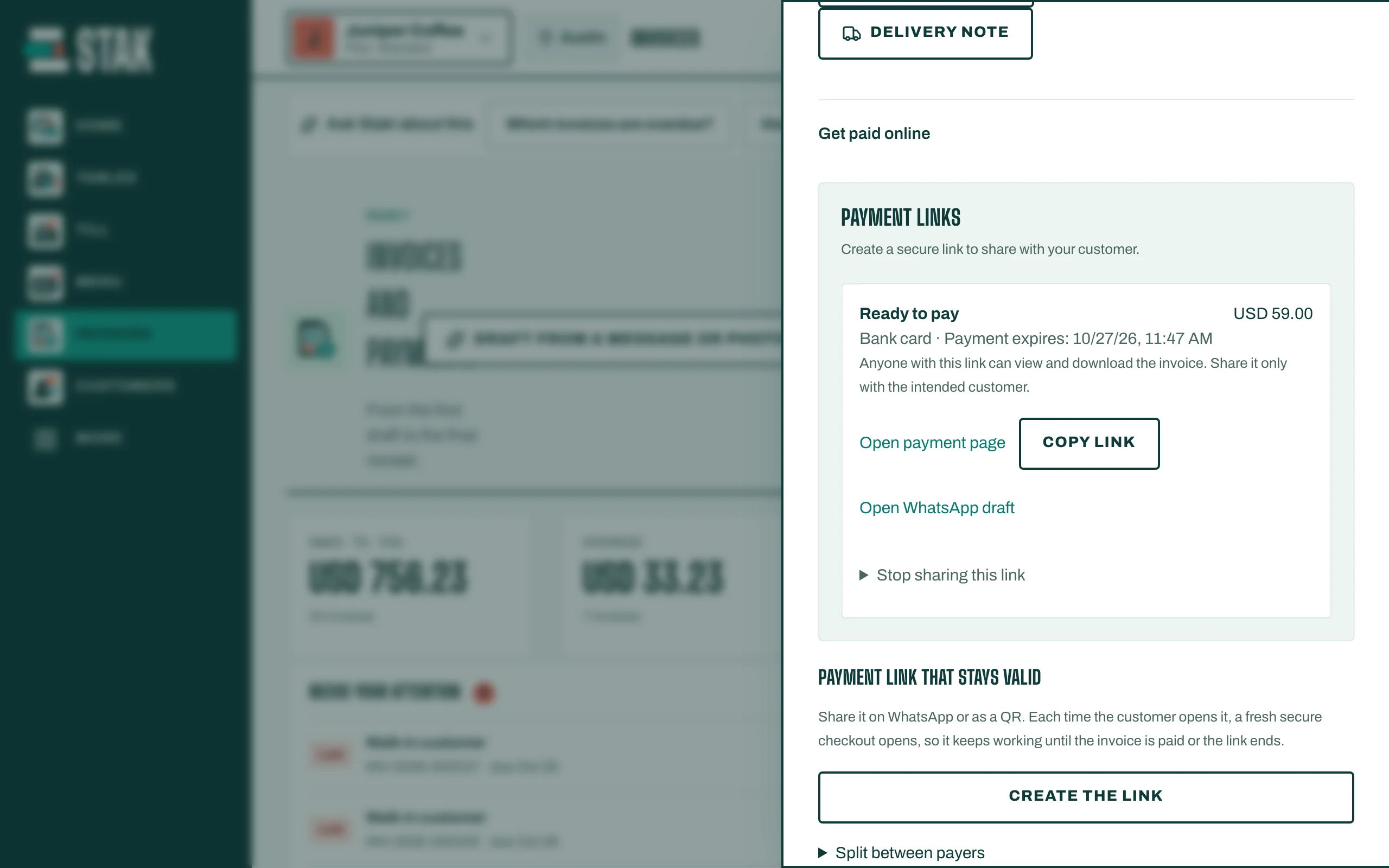
- Open the issued invoice. Under Payment links, tap Create payment link.
- Check the Link amount. It is the outstanding balance; you can lower it to ask for part of it.
- Choose the Payment method and check the Estimated fee.
- Tap Prepare sharing, then Copy link, Share link or Open WhatsApp draft.
The customer opens the link, sees Invoice and secure payment, and taps Continue to payment provider.
When the provider confirms the payment, STAK records it on the invoice by itself and the balance goes down.
Good to know
- No payment provider yet? The invoice shows No payment provider is connected to this business yet. Connect yours in the payment settings first.
- The payment step on a link expires after 15 minutes; the customer can open the link again. The invoice stays viewable for 30 days.
- Anyone with the link can view the invoice. To stop access, tap Stop sharing this link.