

Record a payment
Mark money you received by cash, transfer or cheque against the invoice, in full or in part.
Payments through a STAK payment link are recorded by themselves. Record the others yourself: cash, bank transfers, cheques and card payments taken outside STAK.
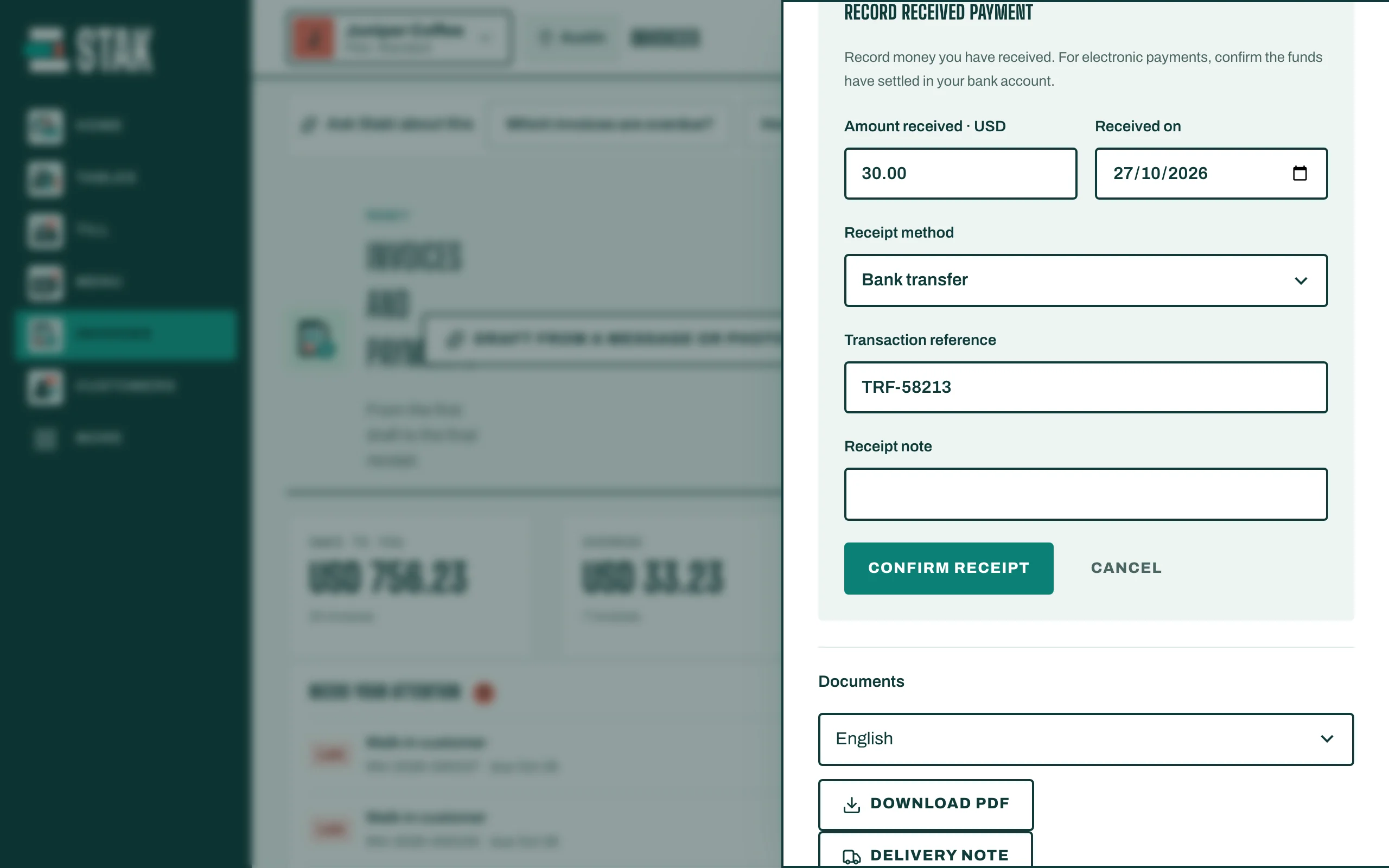
- Open the issued invoice and tap Record received payment.
- Type the Amount received. It can be less than the Outstanding balance; the invoice then shows Partly paid.
- Choose the Receipt method, for example Cash, Bank transfer or Cheque (held until the bank clears it).
- Add the Transaction reference and the Received on date. Add a Receipt note if useful.
- Tap Confirm receipt. You see Receipt recorded and balance updated.
Every payment appears under Receipts on the invoice. When the balance reaches zero, the invoice shows Paid and any pending reminders stop.