

Remind customers to pay
Schedule polite follow-ups that go out by themselves, or send one yourself.
Schedule reminders for an invoice
- Open an issued invoice that still has a balance, and open Invoice reminders.
- Tap Schedule 3 and 7 days after due date for the usual plan, or Schedule a reminder to pick a Follow-up date yourself.
- Choose the Message language and check the Message draft.
- Tap Save schedule.
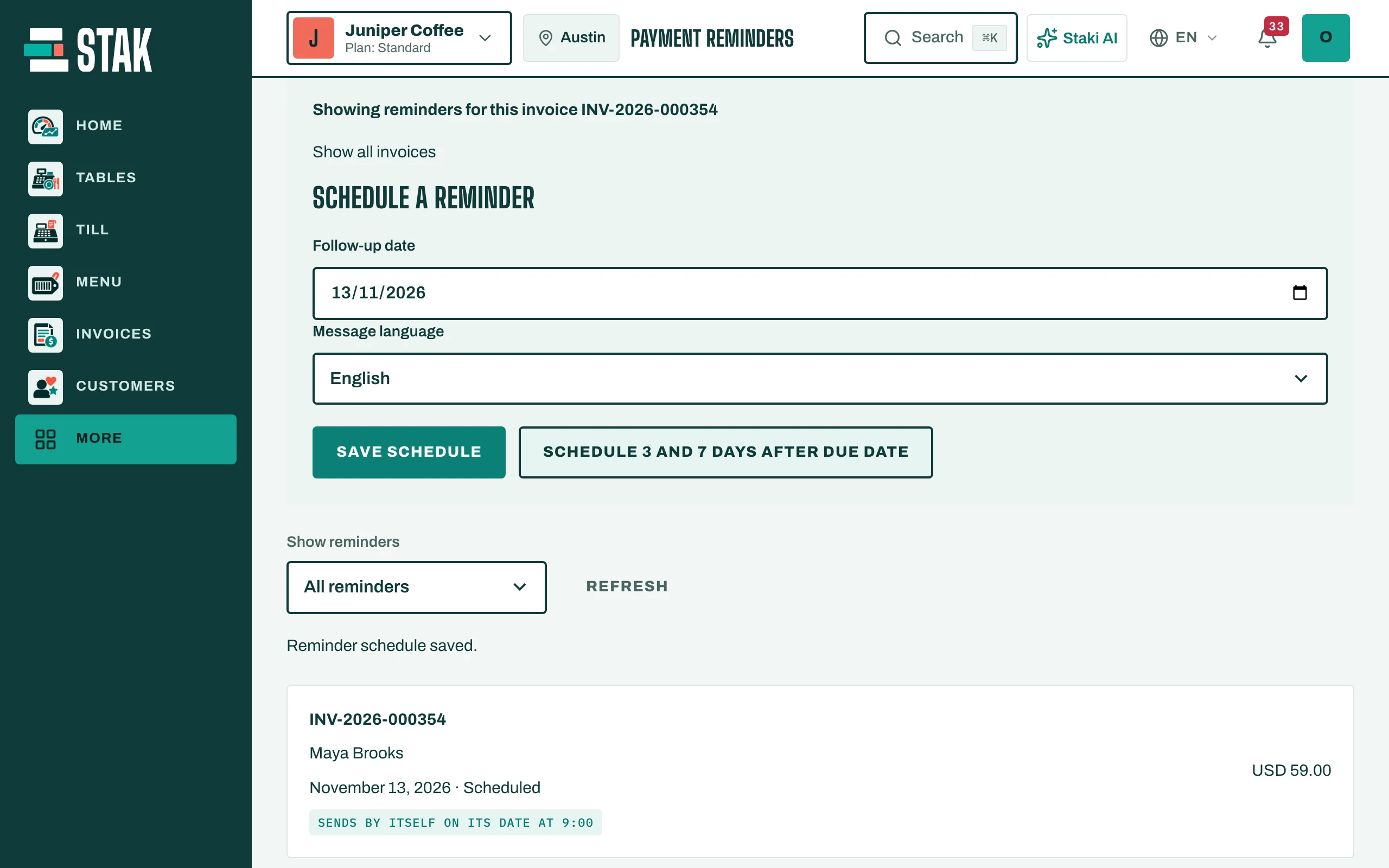
Let them go out by themselves
Turn on Send reminders automatically. On each reminder's date at 9:00 in the morning, STAK sends it from your own WhatsApp number (or by SMS or email when WhatsApp isn't available), as long as the invoice is still unpaid.
When the invoice is paid in full or voided, its pending reminders are cancelled by themselves.
Send one yourself
- Open the reminder (Reminder details).
- Tap Copy draft and send it from your own phone, or call the customer.
- Tap Record customer contact, then tick I contacted the customer myself, so everyone sees it was done.
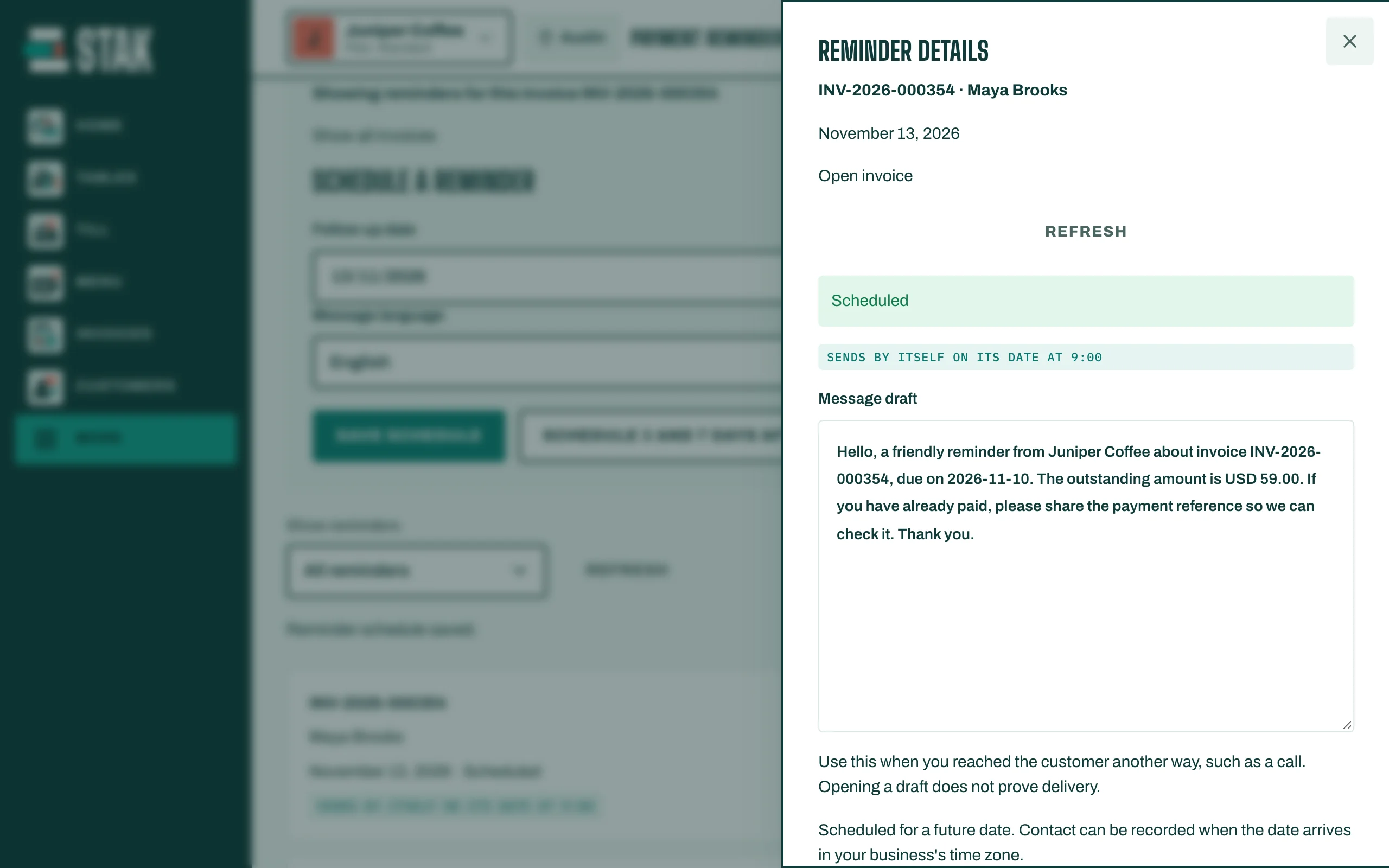
The Reminder history keeps every message and call for the invoice.