

Make a design from a template
Pick a template made for your business; it fills itself from your catalogue and Brand Kit.
- In Creative Studio, tap Use this template on a template under Templates for your business. A template needs items in your catalogue first.
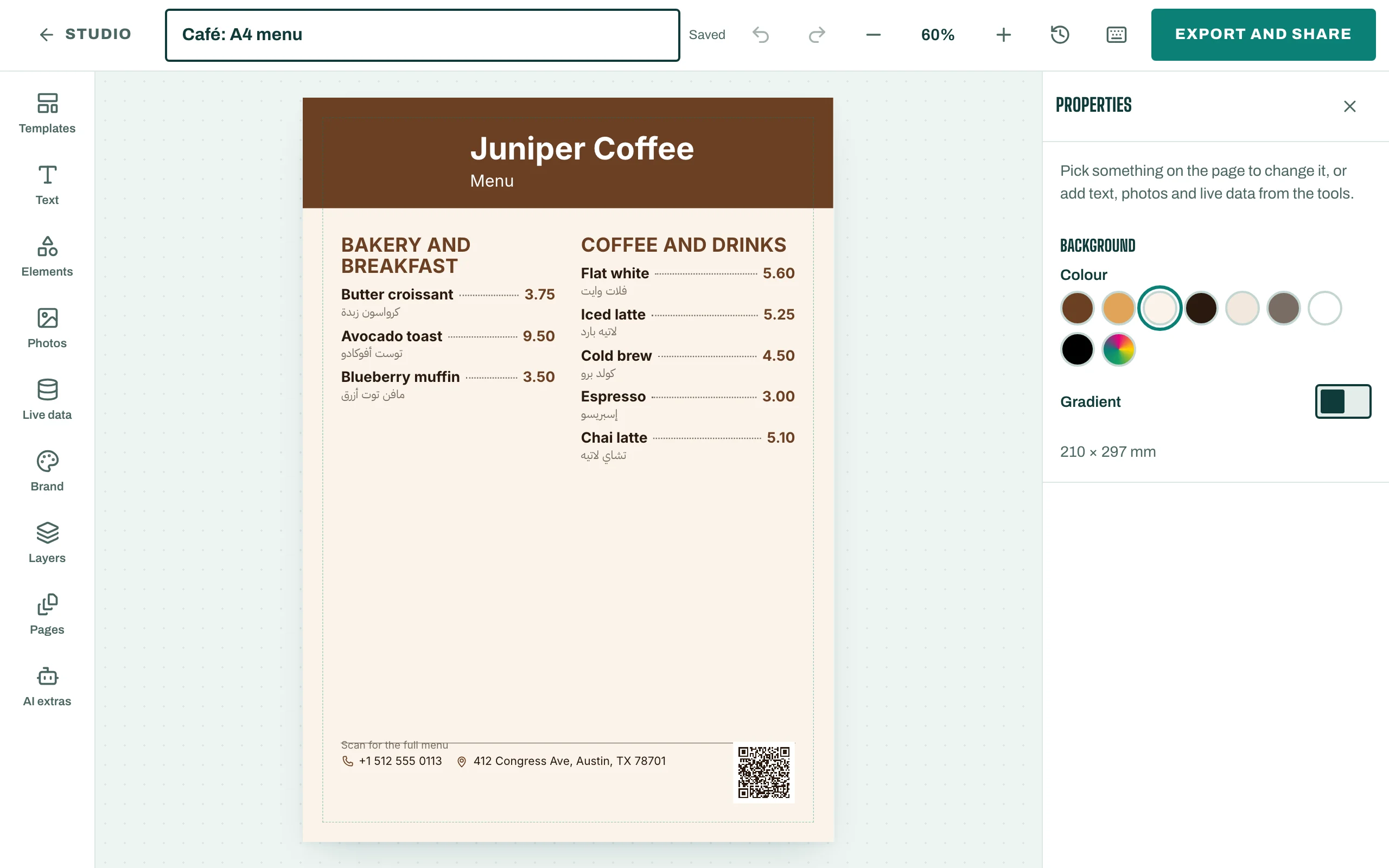
- The design fills itself with your items, prices and photos.
- Change anything on the page: tap it, then edit it in the side panel. Add more from the tools: Templates, Text, Photos and Brand.
- To add your own picture, tap Upload a photo (PNG or JPG under 5 MB) and tick I own this photo or have the right to use it.
Prices stay live
Prices in a design come from your catalogue. When you change a price, the design shows Prices changed since the last export, so you know to export it again.
To apply your Brand Kit to an older design, tap Apply my Brand Kit.