

Export and share
Print your design as a PDF, or share it as an image on WhatsApp and social media.
- Open the design and tap Export and share.
- STAK checks the design first. If you see Fix these before exporting, it lists what to fix, for example A photo is too small for its printed size and may look blurred. Fix it, or tap Export anyway.
- Choose the format:
- Print PDF: for a print shop, with bleed and crop marks, fonts included.
- PNG image or JPG image: for social media and WhatsApp.
- Tap Export.
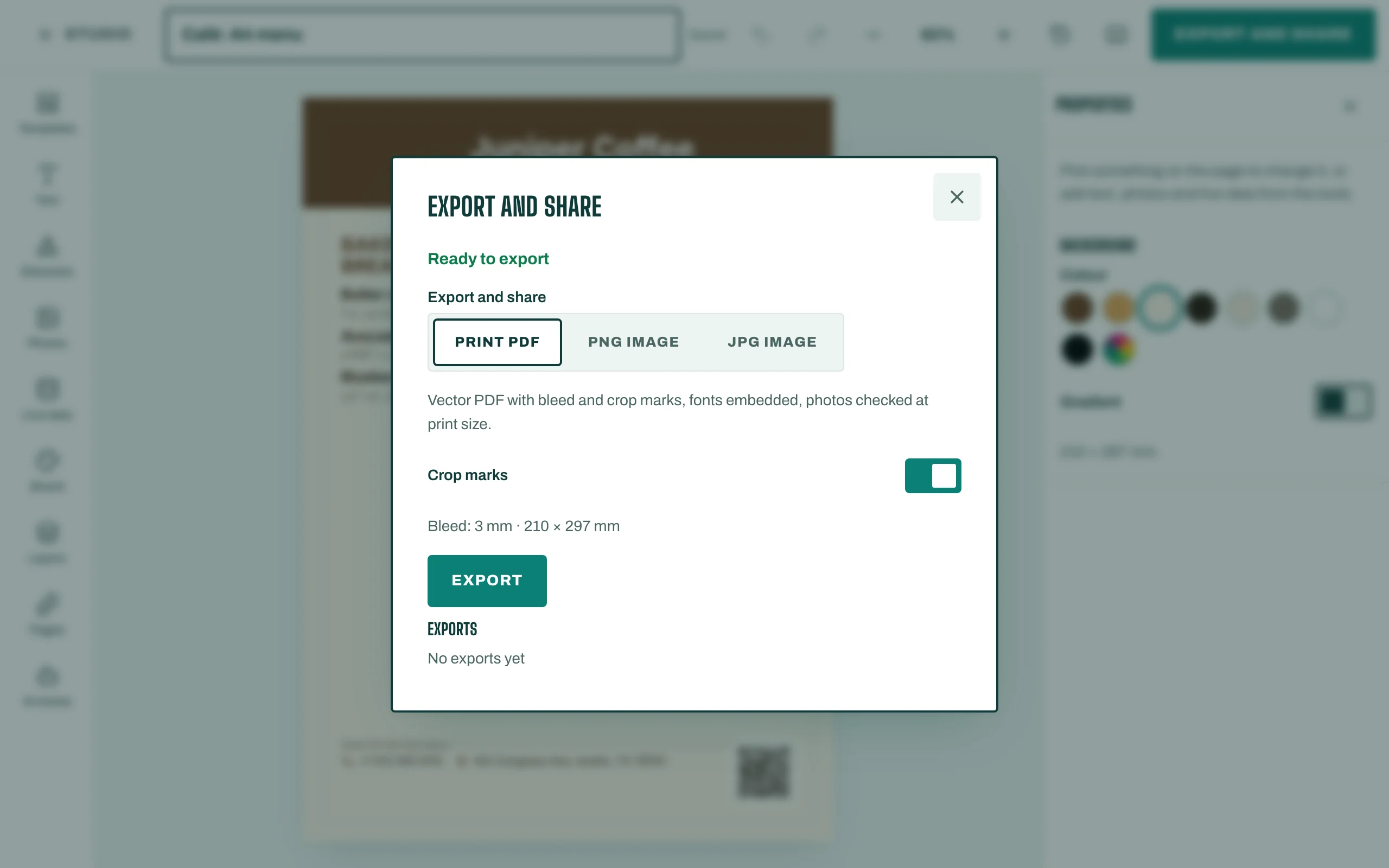
Then tap Download, or Share to WhatsApp. On a phone, sharing opens the share sheet so you can pick a chat or your status.
For labels on a label printer, choose One label per page (label printer).