

Choose a plan
Start free with one app, or move to Standard or Custom for every app, priced per back-office user.
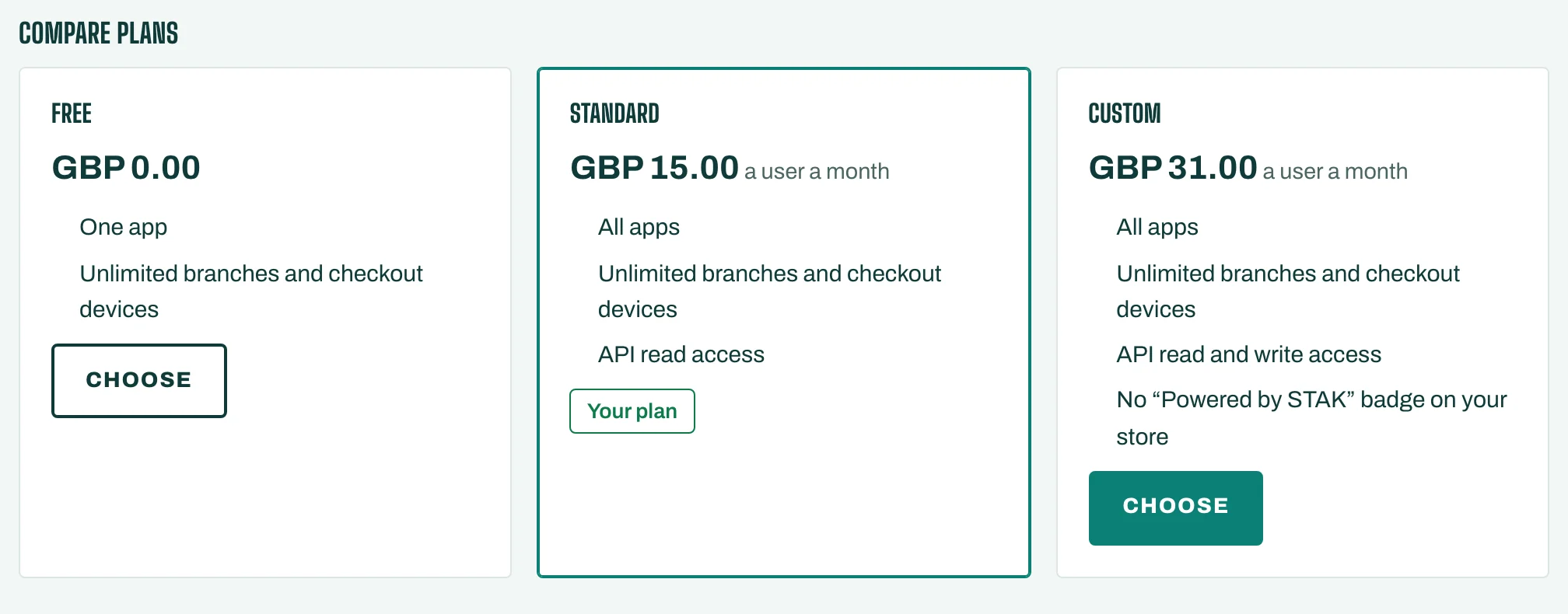
STAK has three plans:
- Free: any one app, free forever. One branch.
- Standard: every app, branches and devices as you need them, priced per back-office user.
- Custom: everything in Standard, plus API write access, the organisation console for several companies, no "Powered by STAK" badge on your store, and Custom-only security and data-region choices.
You pay only for people who sign in to the back office. Till, kitchen, staff-app and driver users are free and never counted. There is no charge per branch, till or device.
AI is never part of a plan: it runs on prepaid credits (see Buy AI credits).
Change your plan
- Open Settings, then Plan and billing. The Plan tab shows your current plan.
- Under Choose a plan, pick Monthly or Yearly under Billing. Yearly costs less than twelve monthly bills.
- The prices are shown for your billable users today. Tap Compare plans to see what each plan includes.
- Tap Choose on the plan you want.
Check, then confirm
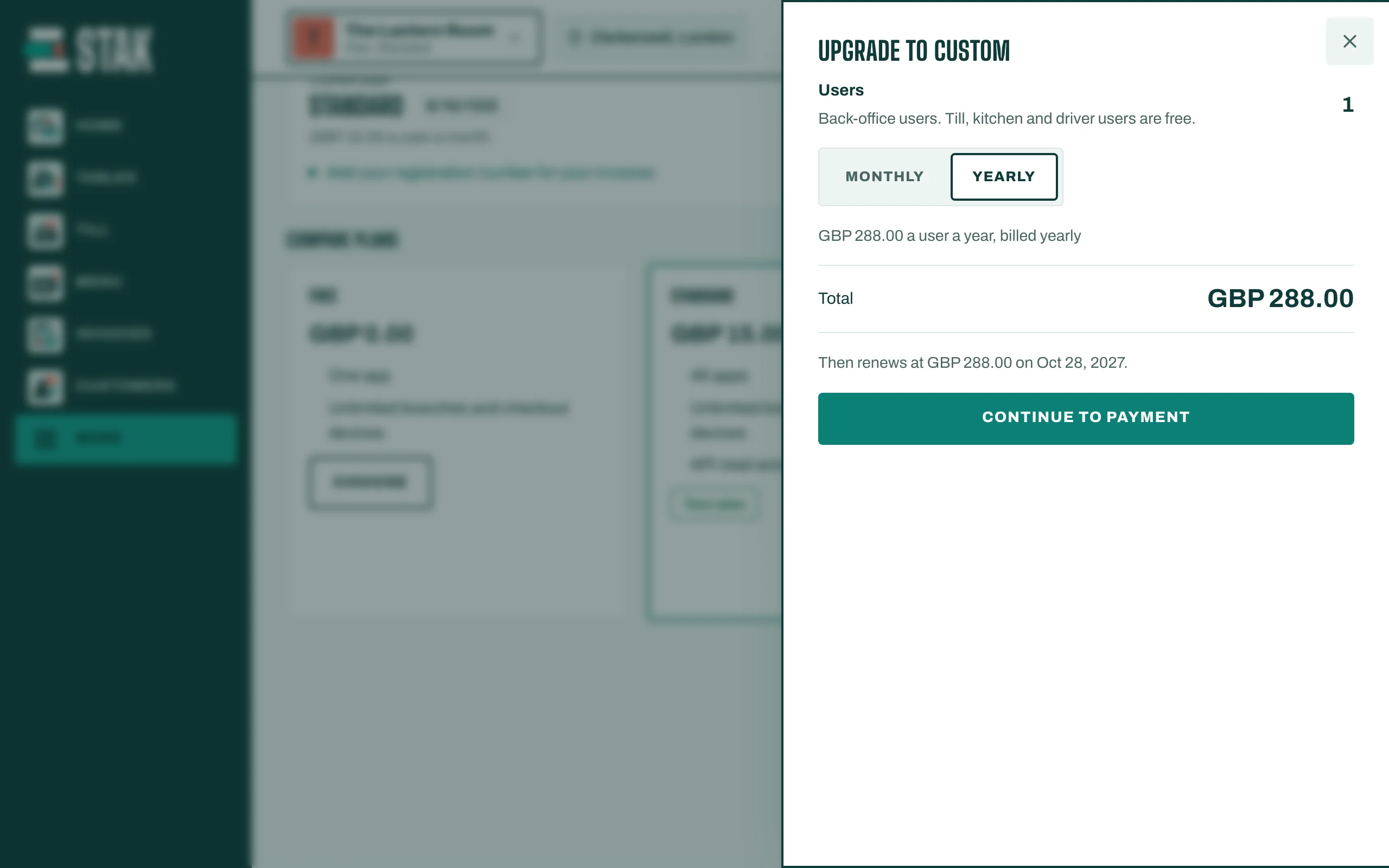
Before anything changes, you see Before you confirm: what is Due now, when it Takes effect, and what it renews at. For example, an upgrade in the middle of a period charges only the days left; moving to a cheaper plan applies at the end of the paid period.
Tap Confirm. If there is something to pay, you see that the bill is ready: pay it to switch the plan on. See Pay your STAK bill.
Good to know
- Before your first paid plan, STAK asks for your commercial registration or licence number. It appears on your bills.
- Prices are set for your country's currency, and are lower in countries with lower incomes. The Billing currency page under More shows your currency and price tier.
- Only the owner or an admin can change the plan or pay. Others can view the page.