

Team checklists
Opening and closing checklists your staff tick on the till, in their own language.
Give your staff opening and closing checklists. They tick them on the till in their own language, and you see who finished.
Make a checklist
- In Staki, open Team checklists.
- Tap Add a ready list to start from a ready-made one, then edit it to fit your shop. Or tap New checklist.
- Give it a name, and write the tasks, one per line (Tasks in Arabic, Tasks in English).
- Tap Save.
Ready lists include all eight staff languages; your own lines show as you wrote them.
See who did it
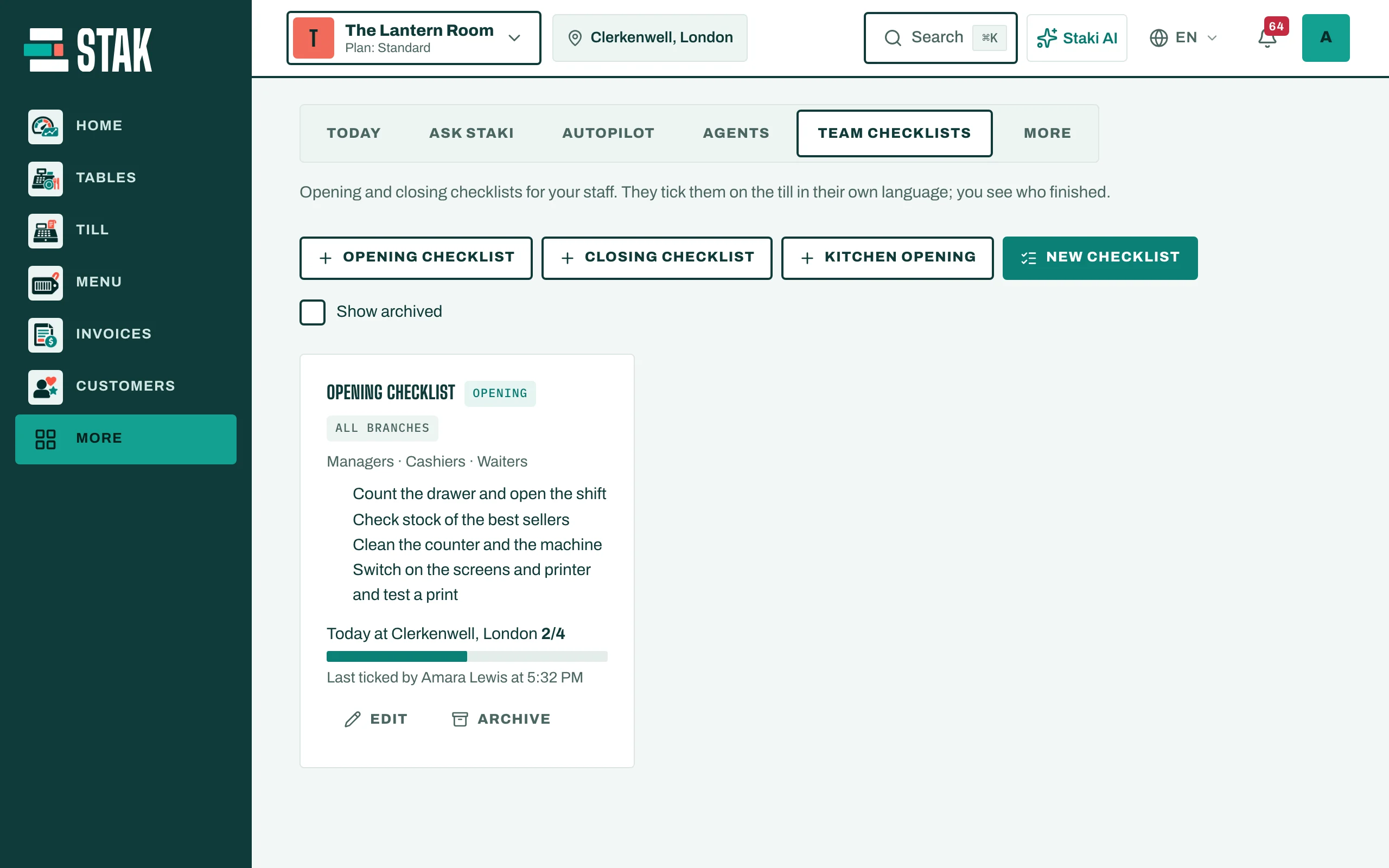
Each checklist shows Today at each branch: how many tasks are done, and Last ticked by who and when. A checklist not finished today also appears in your Today plan.
To retire a checklist, tap Archive; Show archived brings it back.